Code Lab
Microsoft MarkItDown Explained: Convert Excel and PDF to Markdown
CODE LAB · PROJECT SPOTLIGHT
Microsoft MarkItDown Python · MIT license
Convert documents and spreadsheets to Markdown for review and downstream processing.
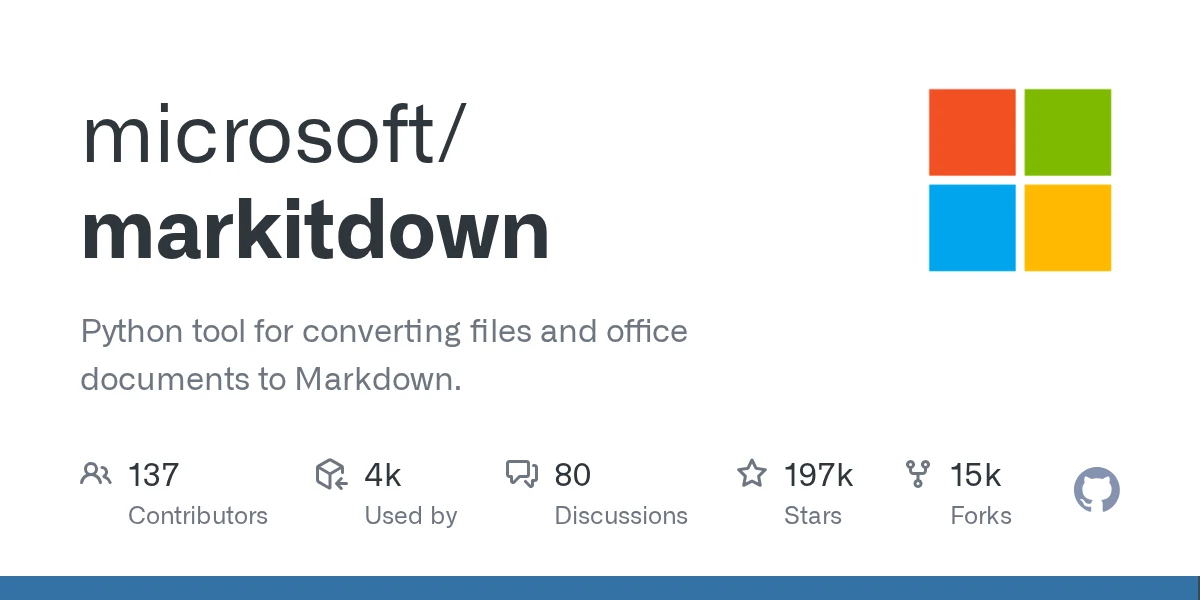
Repository preview · microsoft/markitdown · GitHub.
Microsoft MarkItDown converts files such as Excel workbooks, PDFs, Word documents and PowerPoint decks into Markdown. Its Excel converter preserves sheet names and table values in a text file you can inspect before passing it to an AI model.
That intermediate file gives you a practical checkpoint. Confirm that the right sheets and values survived, then give your model the sections relevant to the task. Keep the workbook available when the task depends on charts, formulas or formatting.
Install only the converters you need
Release v0.1.9 documents support for Python 3.10 through 3.14. In a fresh virtual environment, install the Excel extra and convert a local workbook with the commands below. Quote filenames that contain spaces.
python -m pip install "markitdown[xlsx]==0.1.9"
markitdown orders.xlsx -o orders.md| Input | Extra | Review before using the output |
|---|---|---|
| Excel (.xlsx) | xlsx | Check sheet names, column labels, row counts and values. Use the workbook for charts and calculations. |
pdf | Check reading order, especially for multi-column pages. Test your OCR path separately for scans. | |
| Word (.docx) | docx | Check heading order and tables, especially merged cells. |
| PowerPoint (.pptx) | pptx | Check whether the extracted text carries the meaning shown in diagrams. |
How Excel sheets become Markdown tables
The converter reads the workbook into per-sheet data frames. The following loop gives each sheet a Markdown heading, serializes its data frame to HTML without the pandas index, then passes the HTML to the shared converter.
This helps explain why an automation can split the result by sheet name. Check for extra headings inside the input before using headings as a general parsing rule. For audits that depend on formulas or workbook formatting, check those in the source workbook.
What survived in a two-sheet Excel test
We ran MarkItDown v0.1.9 on Windows with an original workbook. The Orders sheet contained two item rows and a bar chart titled “Units by item.” The Notes sheet contained one currency entry. The default conversion kept the two section headings and text tables. The chart title and graphic did not appear in the output.
## Orders
| Item | Units |
| --- | --- |
| Notebook | 3 |
| Pen | 5 |

## Notes
| Setting | Value |
| --- | --- |
| Currency | USD |
For a question such as “How many pens did we order?”, the Orders text contains the answer. For a question about how the chart presents that comparison, review the workbook itself. This test covers one XLSX file. Token savings depend on the model, the original file and the Markdown you send.
For batch jobs, use the narrowest conversion entry point needed and process trusted local files in a restricted workspace. Microsoft documents that the tool performs I/O with the caller’s privileges.
Related reading Gemini Tool Retrieval and the cost of loading context.
Sources Microsoft setup and security notes ↗ · v0.1.9 release ↗ · Mindung discovery lead ↗.
MIT license · Copyright Microsoft Corporation
    MIT License

    Copyright (c) Microsoft Corporation.

    Permission is hereby granted, free of charge, to any person obtaining a copy
    of this software and associated documentation files (the "Software"), to deal
    in the Software without restriction, including without limitation the rights
    to use, copy, modify, merge, publish, distribute, sublicense, and/or sell
    copies of the Software, and to permit persons to whom the Software is
    furnished to do so, subject to the following conditions:

    The above copyright notice and this permission notice shall be included in all
    copies or substantial portions of the Software.

    THE SOFTWARE IS PROVIDED "AS IS", WITHOUT WARRANTY OF ANY KIND, EXPRESS OR
    IMPLIED, INCLUDING BUT NOT LIMITED TO THE WARRANTIES OF MERCHANTABILITY,
    FITNESS FOR A PARTICULAR PURPOSE AND NONINFRINGEMENT. IN NO EVENT SHALL THE
    AUTHORS OR COPYRIGHT HOLDERS BE LIABLE FOR ANY CLAIM, DAMAGES OR OTHER
    LIABILITY, WHETHER IN AN ACTION OF CONTRACT, TORT OR OTHERWISE, ARISING FROM,
    OUT OF OR IN CONNECTION WITH THE SOFTWARE OR THE USE OR OTHER DEALINGS IN THE
    SOFTWARE