AI News
Gemini Computer Use on Mac: What You Can Delegate and What to Verify
Google announced computer use for the Gemini app for Mac on November 19, 2026. The app can work across selected local apps and websites, using a separate background window and a live preview inside the chat. The launch begins in English in the United States. Eligibility includes an Apple-silicon Mac running macOS Sequoia 15 or later, a personal Google account for an adult, and a Google AI Plus, Pro or Ultra plan.
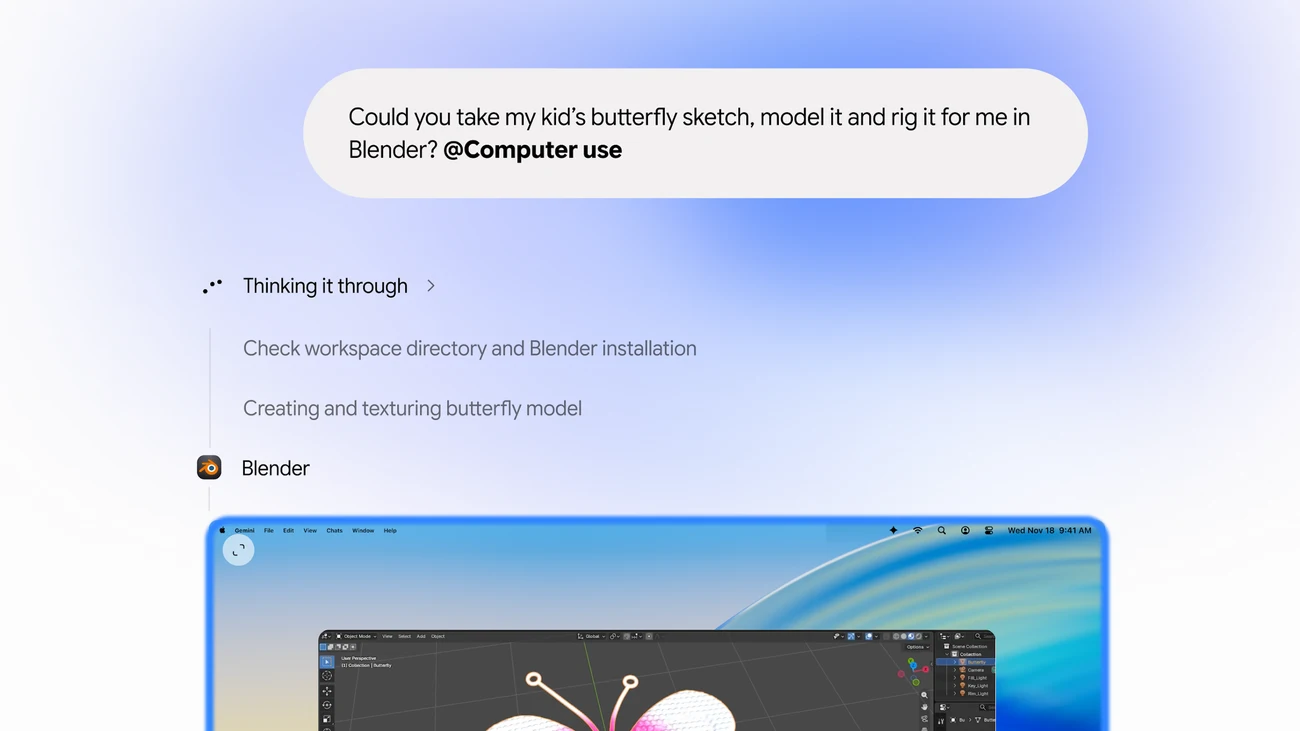
What the preview and permissions tell you
Google describes a background window that leaves the main cursor available. You choose which apps Gemini can access, can pause the work, and approve key actions. Inspect the proposed action and destination at those boundaries. Giving the agent access to a capable desktop app matters even if the work runs in a separate window. The preview helps you see the sequence, but a preview and an approval prompt do not tell you whether the resulting file is correct.
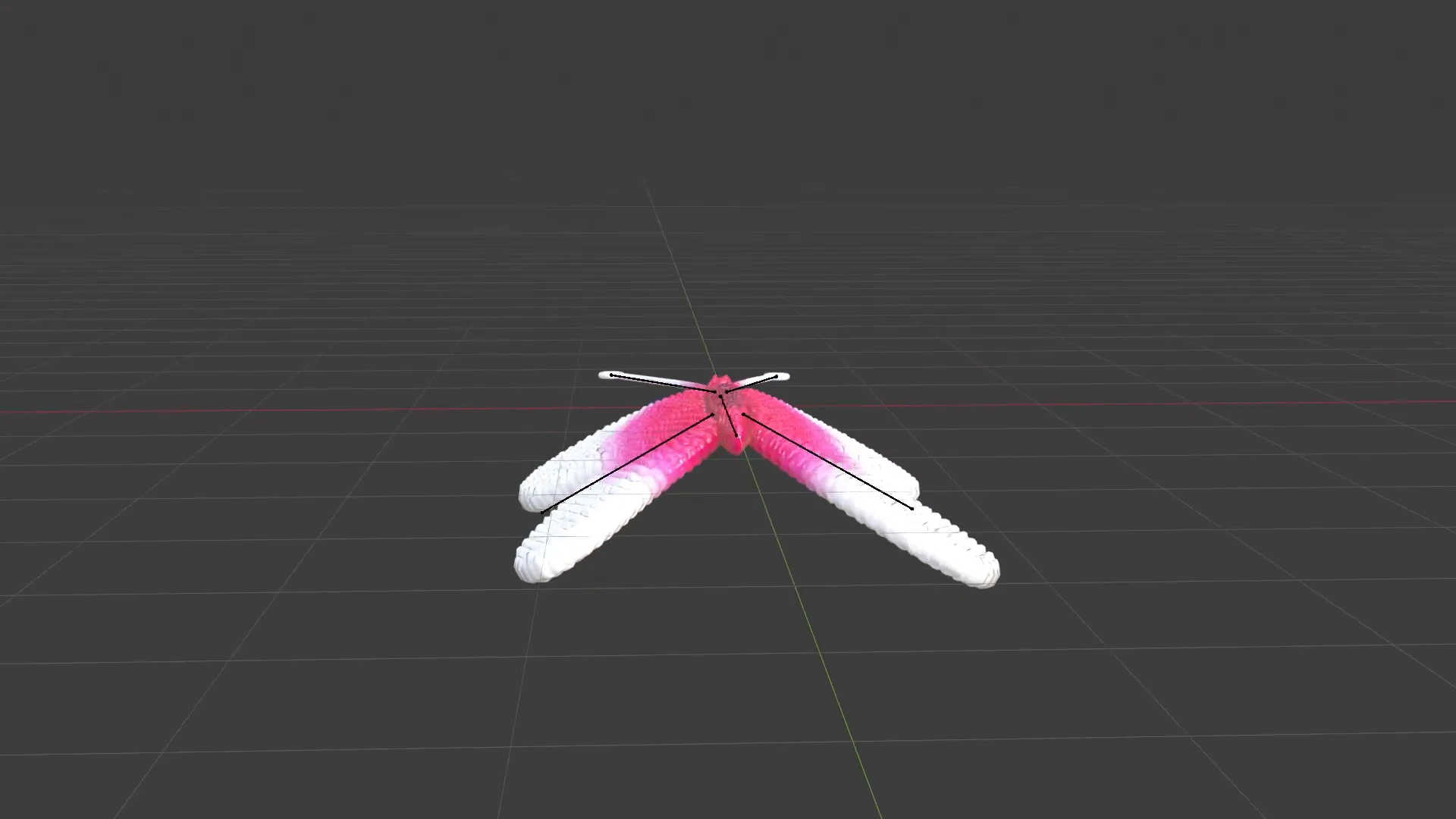
In the demo, a child’s butterfly drawing becomes a three-dimensional design. The Blender view makes one intermediate decision visible: the shape of the wings relative to the body. For a similar design handoff, ask the agent to stop at the preview, rotate the model and save an editable project before exporting. A pleasing front view can hide a wing that is disconnected from the body.
A first task with an answer you can check
Make a disposable folder with a sample file named sample.txt. Ask Gemini to open it with an allowed editor and save a copy under a new name in the same folder. Tell it to keep the original and report both paths. Use content you created for the test. A pass means the copy opens, the content matches, and the original remains in place.
cmp sample.txt sample-copy.txt
shasum -a 256 sample.txt sample-copy.txt
Run these checks from the sample directory. Matching files produce the same hash, and cmp exits successfully when the byte sequences match. If the files differ, inspect what changed before asking the agent to retry. You can capture the app preview and the two filenames to document the run without exposing other files.
Record the original before the copy
A comparison of the two final files can miss one case. An editor might change the original and then copy those changed bytes. Both files would match each other. Record a fingerprint before the task so you can also answer whether the source survived intact. In a fresh sample directory, run this Python 3 snippet once, then ask for the copy.
from hashlib import sha256
from pathlib import Path

def digest(name):
    return sha256(Path(name).read_bytes()).hexdigest()

# Run once before delegating the copy.
Path("baseline.sha256").write_text(digest("sample.txt"))
Then run the following lines in the same directory with the digest function defined above.
baseline = Path("baseline.sha256").read_text()
for name in ("sample.txt", "sample-copy.txt"):
    print(name, "matches baseline" if digest(name) == baseline else "changed")
After the task, read the saved fingerprint and compare each file with it. If only the copy differs, open the two files in a text diff and look for a changed character, encoding or line ending. If the original differs, keep both versions for inspection. Running the baseline step again at that point would replace the evidence you need.
Check access before planning a workflow
The Mac app, the computer-use option, and access for your account are separate checks. Start with the app’s current controls and confirm what appears for the intended account. This article reviews Google’s launch and illustrates a local verification procedure. We did not run Gemini computer use on a Mac for this article.