Build Notes
Are Fab Assets Made in Unreal Engine? Separating Modeling from Delivery
While browsing Fab, I kept noticing Unreal Engine in product details. My first impression was that most sellers must be making the objects inside Unreal. That was too much to infer from a format label. A product can be modeled in one application, textured in another and prepared or rendered in an engine. Understanding those stages makes a first asset project much easier to plan.
Build Notes · Preparation series 2 of 5 · Checked November 7, 2026. Screenshots show research and an illustrative test workspace; no first product sale or completed pack is claimed.
A product page contains several kinds of information
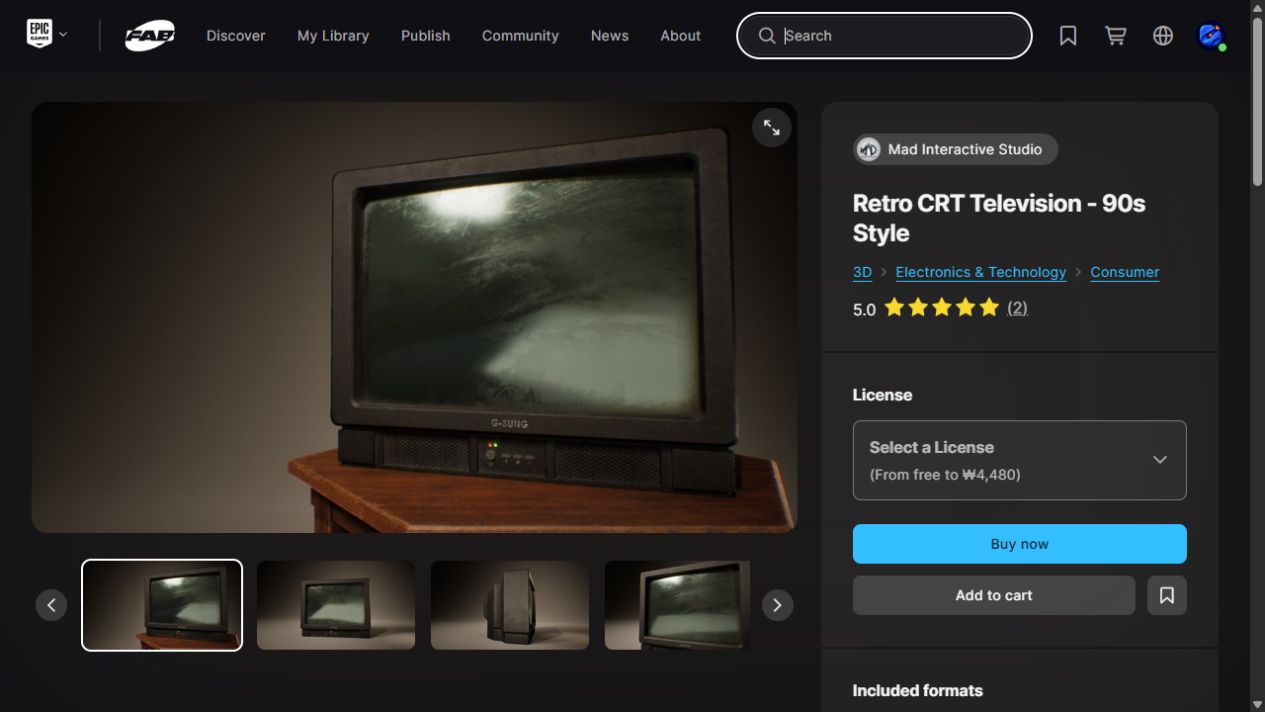
The image tells me how the seller presented the asset. The description may name the tools used. The included formats tell me what I can download. Those are separate pieces of evidence, and they answer different questions.
I should not treat a polished engine render as proof that a native engine project is included. Likewise, an Unreal package does not identify the software in which every vertex was created.

Blender can be the authoring workspace
For our planned 3D workflow, Blender is where the object's shape, UV layout and editable construction can be developed. I want to preserve that working file so changes do not have to begin from an exported copy.
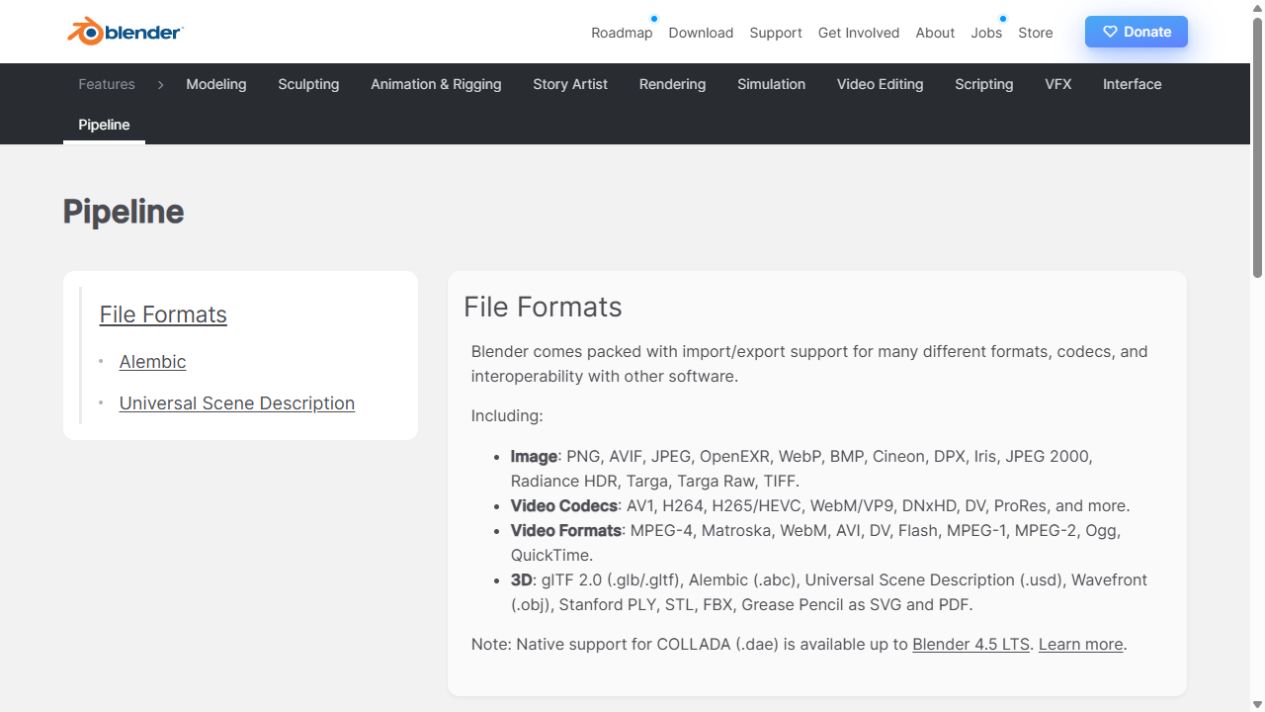
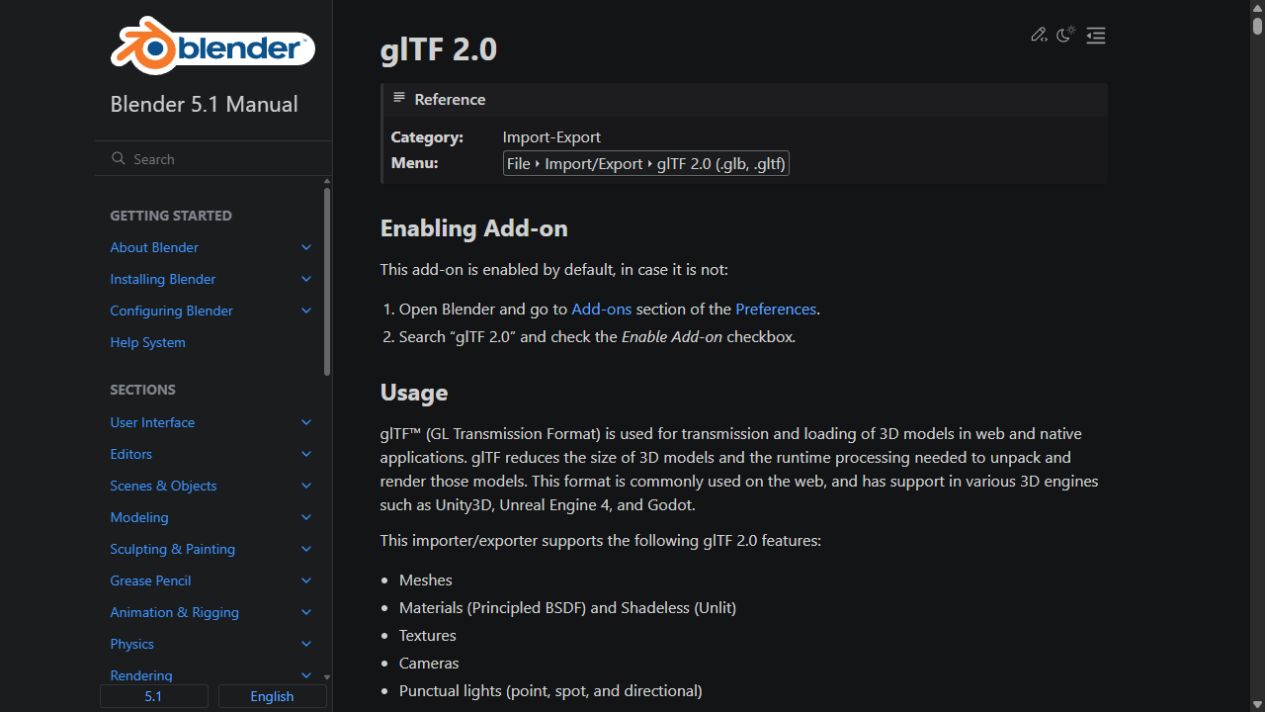
Export then becomes a deliberate handoff. Blender's interoperability documentation lists multiple exchange formats. Choosing one means deciding what information needs to survive the journey, not simply selecting the most familiar extension.
Unreal can be the assembly and verification workspace
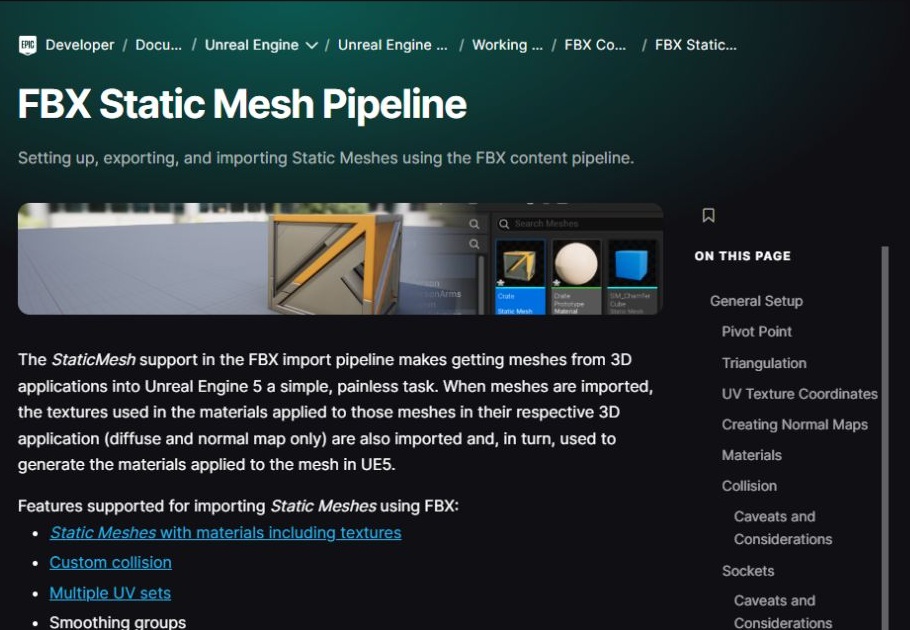
Epic's FBX pipeline documentation explicitly discusses bringing meshes from 3D applications into Unreal. That is the connection I was missing when I looked only at storefront badges.
In a lighting product, I would use the engine to check placement, appearance and the behavior I intend to advertise. The editable source and the engine package would serve different customers and different stages of the job.
A bright surface and a working light are different deliverables
A lamp-shaped mesh is one part of a product. A visibly glowing bulb is another. A light source that illuminates the room adds behavior in the target scene. Switching or flickering adds further setup and testing.
These are useful scope choices, not a requirement to implement everything. If the first release is a static prop collection, the description should say so. If it promises working lights, the buyer needs a tested way to use them.
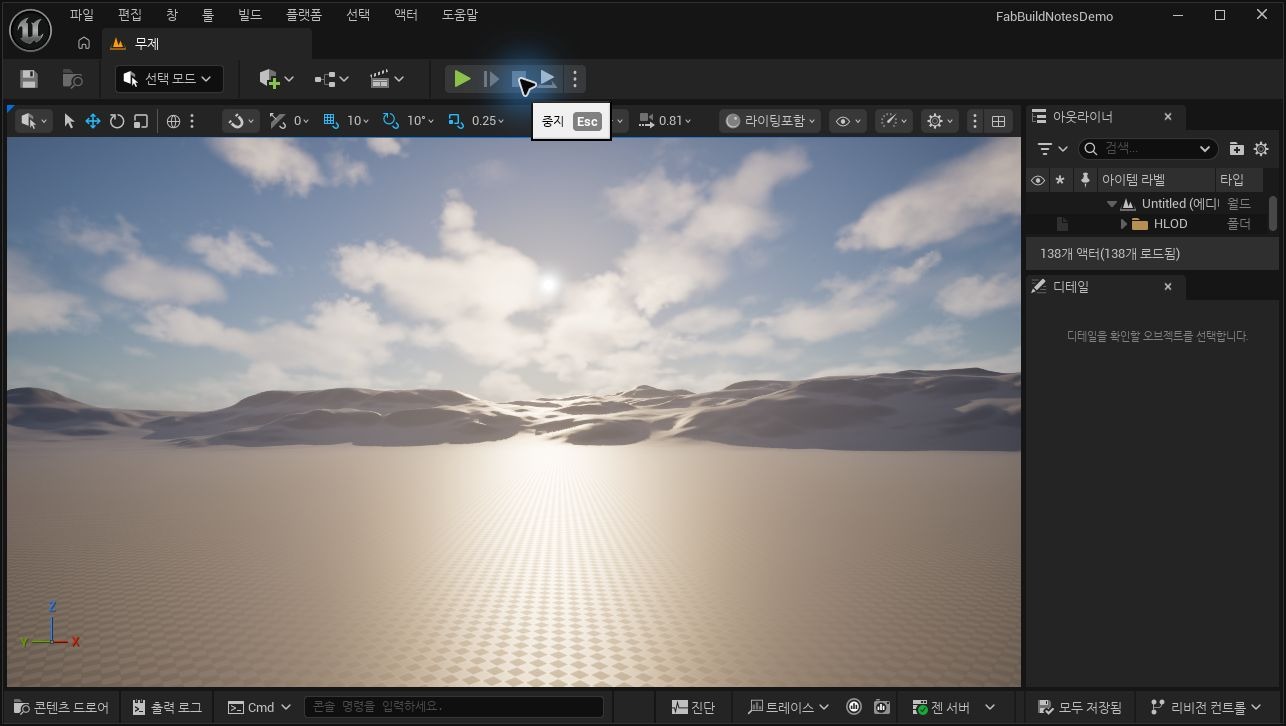
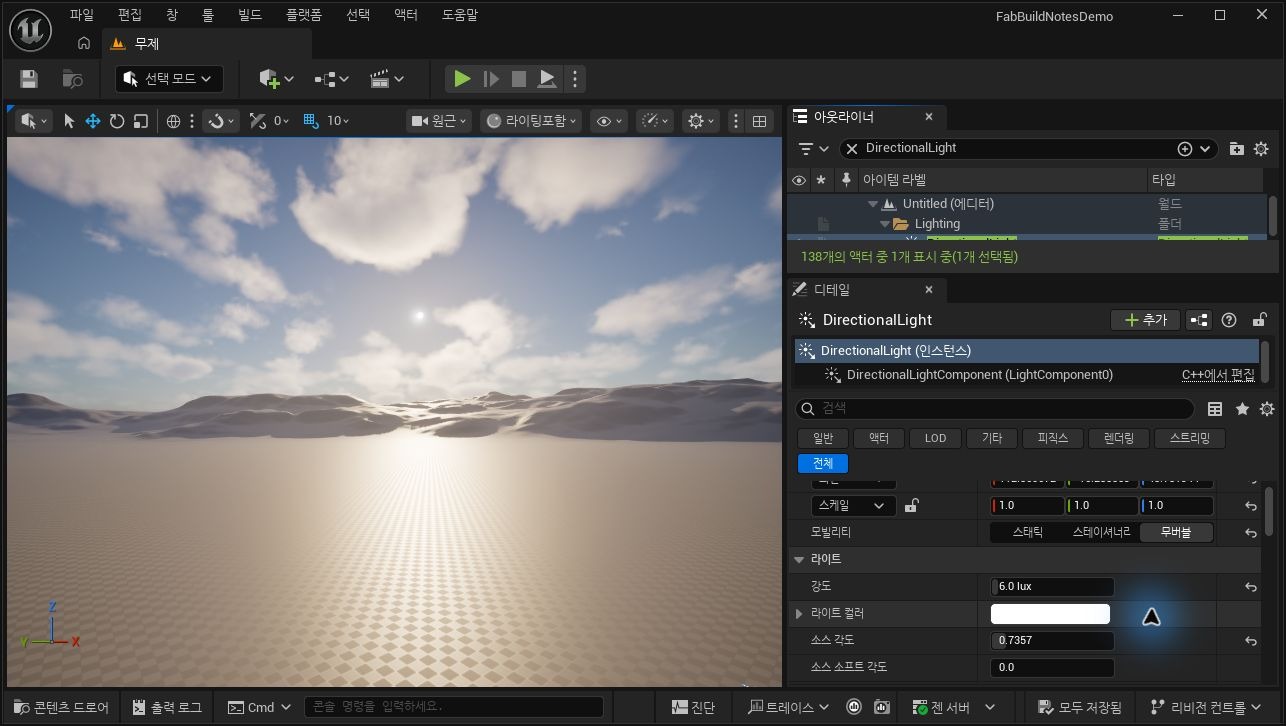
The screenshot shows the default scene's DirectionalLight settings as an illustration of engine-side controls. It is not a demonstration of a finished lamp or a custom lighting system.
Available formats are a support commitment
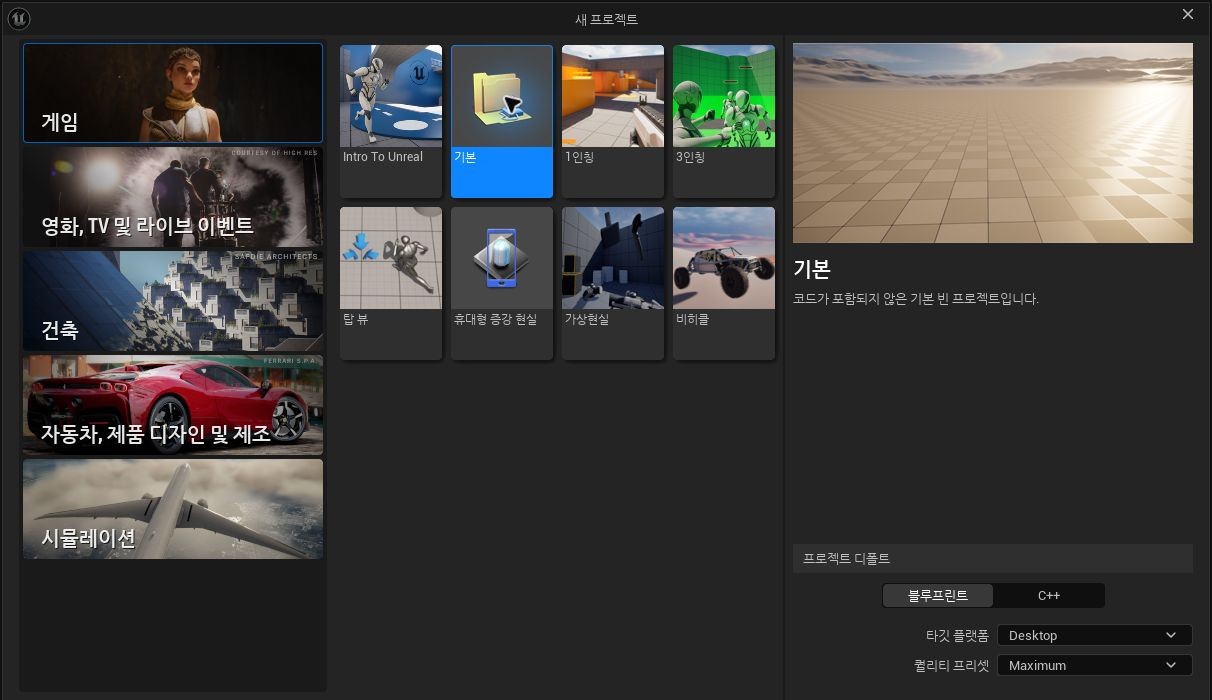
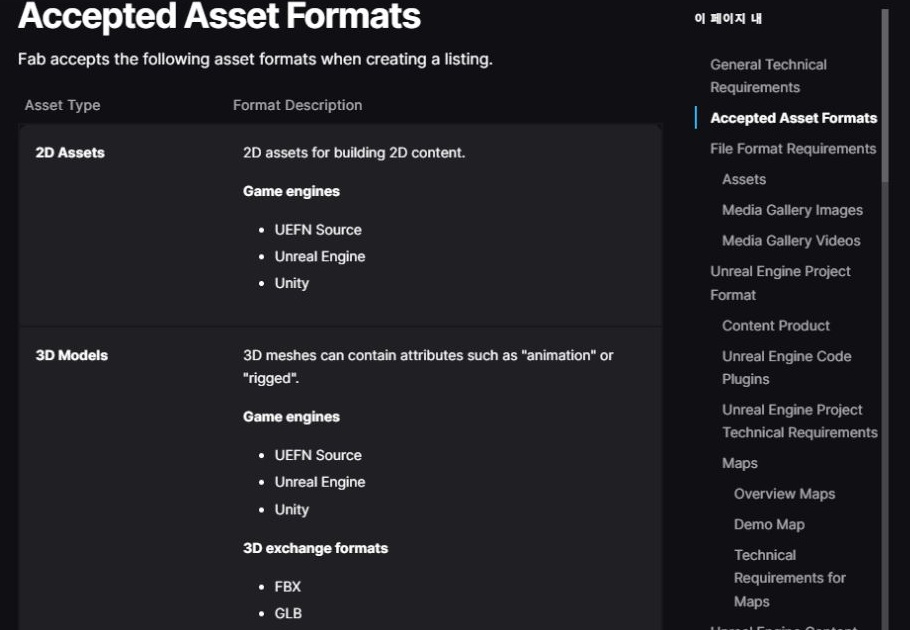
Fab's format table distinguishes engine packages from exchange and native authoring formats. A seller can support more than one route, but adding a format also adds a file to check and maintain.
My practical rule is to promise only a route I can open and inspect. An export succeeding is an intermediate result. The real question is whether the receiving application shows the intended scale, materials and structure.

The workflow I am planning
The intended sequence is Blender authoring, a checked exchange export, then Unreal assembly and verification if an engine version is included. Promotional images come from the delivered content or clearly identify anything used only for presentation.
This does not mean the product is finished or that its compatibility has already been certified. It means I now know what to verify before writing the listing. I can keep the modeling tool and the customer-facing format separate without treating either as less important.
Continue the preparation series
- Registered as a Fab Publisher: What Comes Before the First Asset Sale
- Are Fab Assets Made in Unreal Engine? Separating Modeling from Delivery
- 2D Pixel Art or 3D Models? Choosing the First Fab Asset Workflow
- What Files Do I Need to Sell an Asset on Fab? My Submission Checklist
- FBX, GLB or Blender File? What I Learned from a Fab Download Dialog