Code Lab
Sherlock Explained: Username Search and the Limits of OSINT
CODE LAB · PROJECT SPOTLIGHT
Sherlock Python · MIT license
Search for public username matches across websites, then review the results with care.
Preview: sherlock-project/sherlock on GitHub
Sherlock searches many websites for a specified username and reports possible account matches. Its value is speed: instead of manually checking each site, it uses a catalog of site-specific rules to collect candidates for further review.
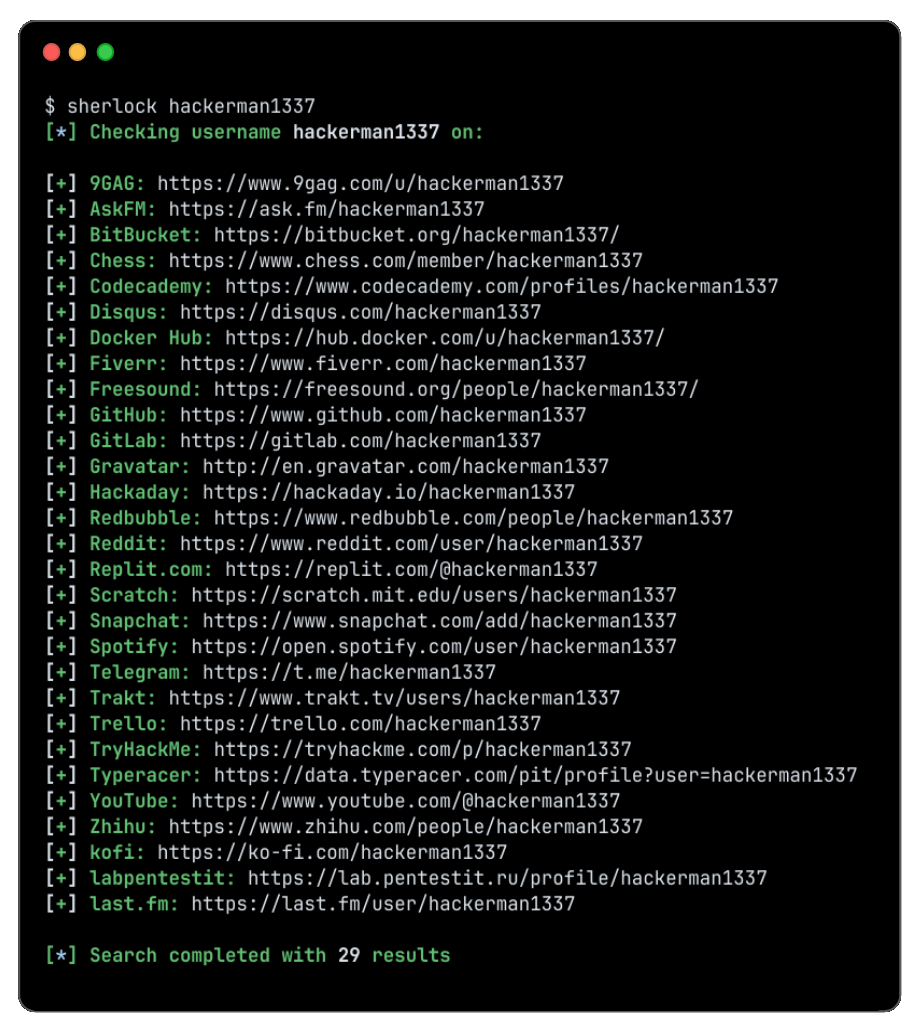
What a match does—and does not—mean
A username match is a lead, not proof that accounts belong to the same person. Common names can be independently registered on many services; an old account may have changed hands; and a website may respond differently because of redirects, rate limits or a redesign. Review the profile and corroborating context before drawing any conclusion.
Sherlock supports different detection methods because websites signal missing accounts in different ways. A response code, a page’s content or a redirected URL may influence the result. Site-specific rules need maintenance as services change, and a failed request is not a reliable statement about a person.
Inside the source: interpreting HTTP status
In this status-code handling branch, the program can classify a name as available when the site returns a configured error or a non-success response. This is one branch of the site-specific logic, not a universal identity test.
Source: Sherlock Project contributors, MIT license. Excerpt linked to the reviewed revision.
Practical use
Use the project’s current installation instructions and respect the sites’ terms and people’s privacy. Verify relevant findings independently and treat ambiguous or inaccessible results as uncertain. Sherlock helps collect public leads; judgment and corroboration still belong to the investigator.
Sources: Sherlock repository · Releases · README