AI News
Tesla FSD v15 Begins Rolling Out: How to Check Your Version
Tesla announced on November 21, 2026 that it had started rolling out Full Self-Driving (Supervised) v15. The first announcement highlighted changes to the driving network and a new interface called Tesla Reality View. Tesla’s post marks the start of distribution. An update notification or installed version on your own vehicle answers whether you have received it.
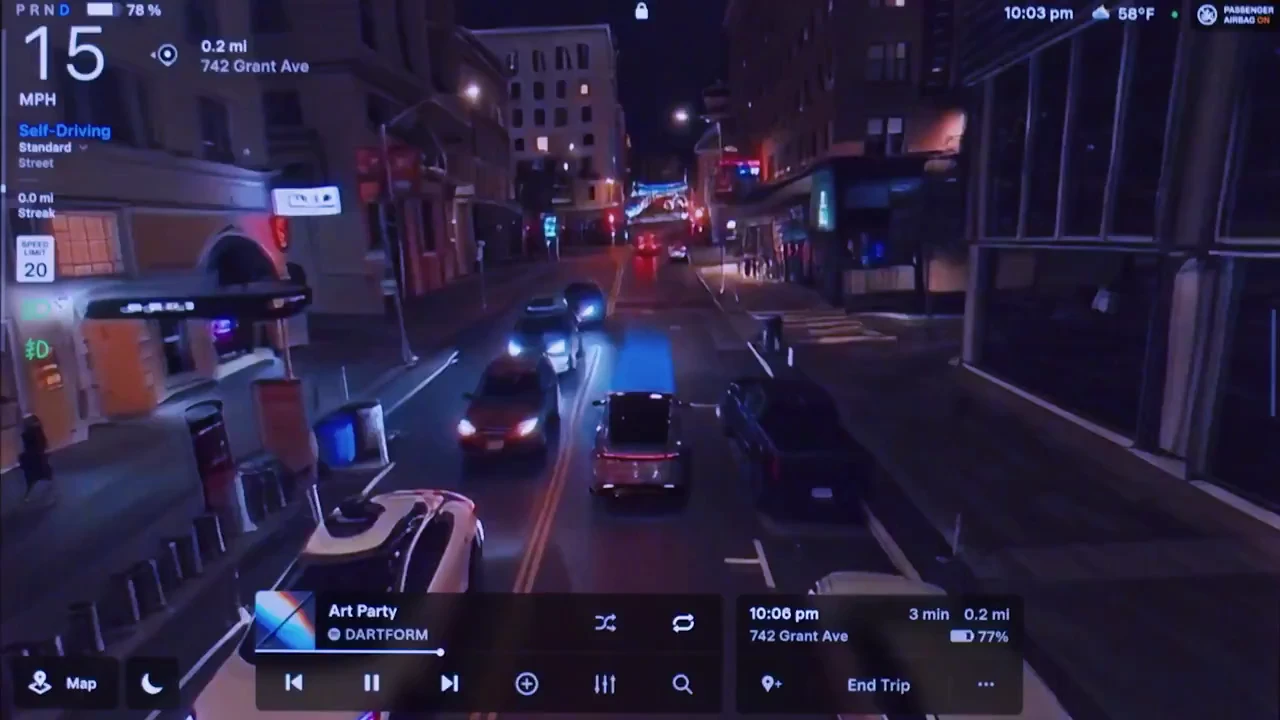
What Tesla showed in v15
Tesla describes Reality View as a live visualization of the drive that shows what FSD is planning to do. The company shared a video in its original announcement. The interface matters because it makes a plan easier to inspect at a glance. The display presents the system’s representation of the road and its planned behavior. The driver still needs to watch the actual road and remain ready to take control.
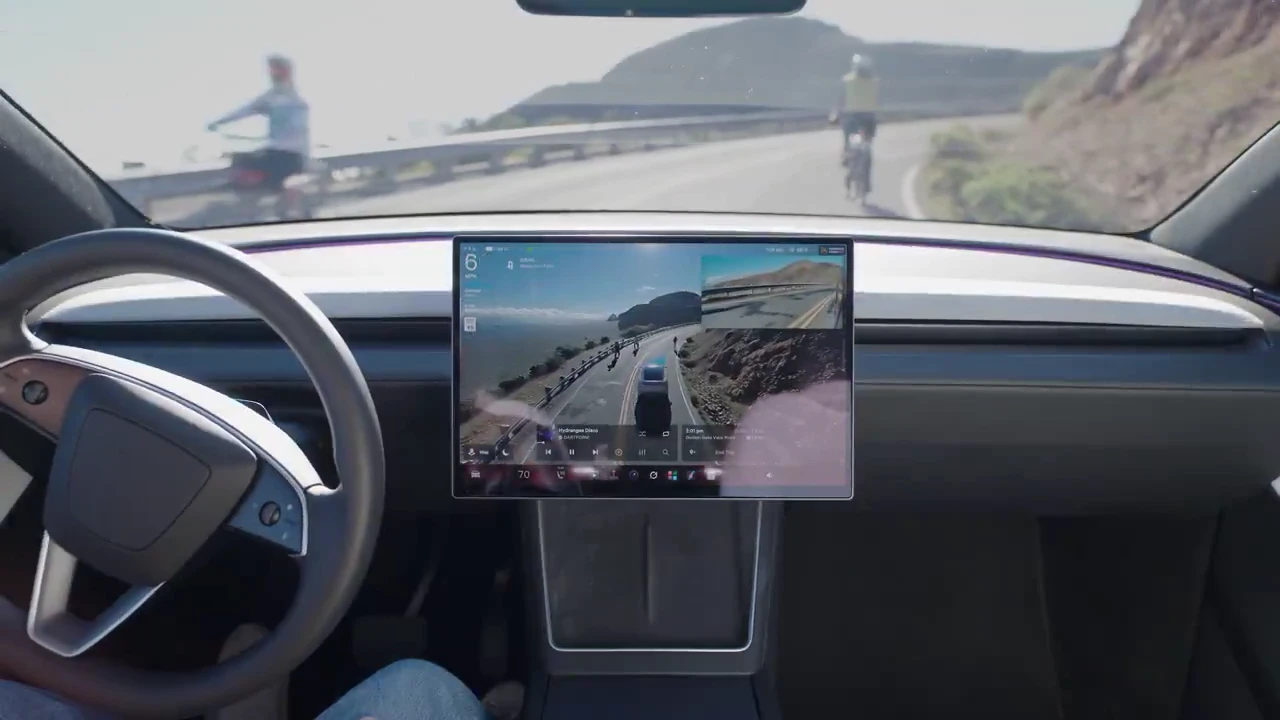
Tesla also gave a large improvement figure for its handling of safety-critical cases. The public post did not define that set of cases or provide enough methodology to translate the figure into a real-world collision rate. Treat it as a company claim about its evaluation. An independent comparison would need comparable exposures, the same definition of an incident and a clearly identified software version.
Tesla says distribution has begun.
Your vehicle or app shows a software update.
The vehicle shows the software version and its release notes.
Check the version while parked
- On the touchscreen, open Controls → Software. Tesla also shows available updates in its app.
- Look for the current version and whether an update is actually offered. An availability notice and an installed update are separate states.
- Open Software → Release Notes and check which FSD version and features that build lists. Keep identifiers such as the VIN out of any screenshot you share.
Tesla says it rolls software out in stages. Its Advanced update preference can make updates available as soon as they are offered for your configuration and region. It does not establish eligibility for this version. Tesla also notes that individual feature availability depends on hardware, software, vehicle and local approval. This article reviews Tesla’s announcements and support documentation. We did not check a specific vehicle or road-test v15.
Supervision remains part of the product
Tesla’s support page describes FSD (Supervised) as driver assistance requiring active supervision. Reality View can communicate more about the system’s plan, while the responsibilities of the driver still apply. The release notes on your vehicle describe the features you received. The support page explains the conditions under which those features are offered.
Sources: Tesla’s November 21 announcement and demo · Tesla FSD (Supervised) support · Tesla software update guide · JoCoding IT News.