Build Notes
Registered as a Fab Publisher: What Comes Before the First Asset Sale
I finished registering as a Fab publisher, then immediately ran into a question the registration process could not answer: what exactly should I make, and what will a customer actually receive? Browsing attractive product pages made selling look deceptively simple. The work behind those pages includes choosing a use case, preparing files, checking them in another environment and explaining the contents accurately. This is the first entry in my preparation notes, before a first product has been completed or submitted.
Build Notes · Preparation series 1 of 5 · Checked November 7, 2026. Screenshots show research and an illustrative test workspace; no first product sale or completed pack is claimed.
Registration opens the door; it does not finish the product
The publisher account gives me a place to distribute work. It does not decide the style, scope or quality of that work. I am keeping those two milestones separate so that an administrative success does not turn into an unrealistic production promise.
My immediate goal is a manageable first release that a buyer can understand and use. A large catalog can wait until I know how long it takes to finish one coherent product and maintain its files.
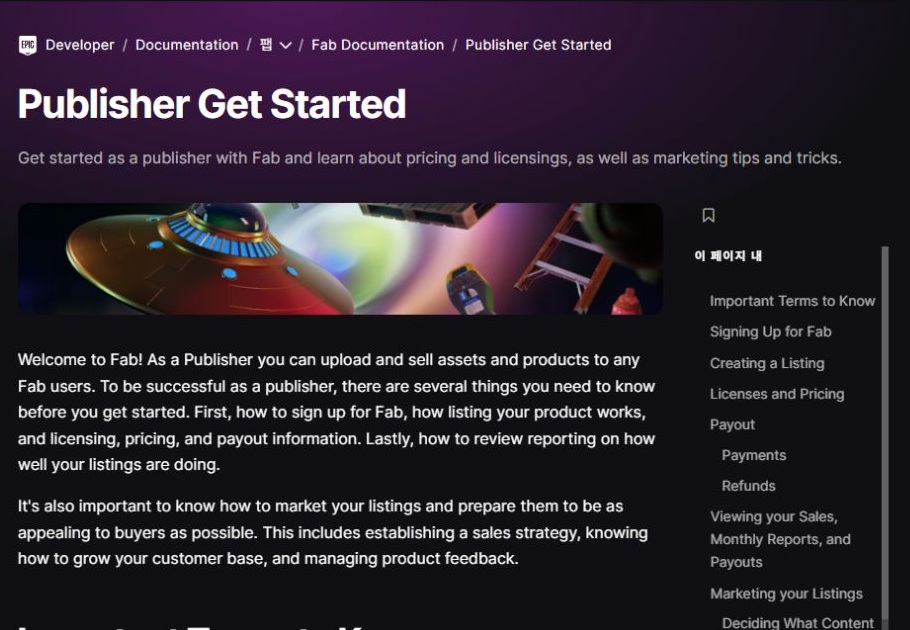
Choose the buyer's task before choosing a model count
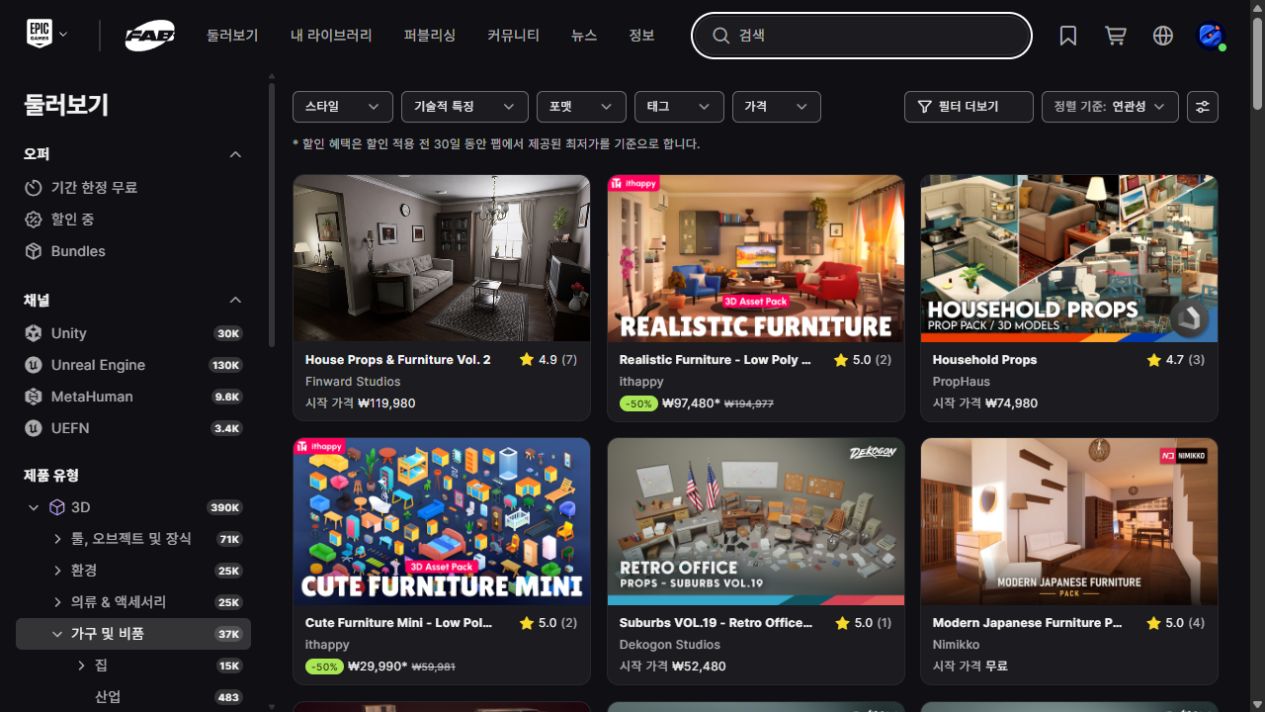
I started by browsing the furniture and fixtures category. Instead of asking only which pictures looked impressive, I asked what a developer or visualization artist might be trying to finish: fill an interior, dress a corridor or add a few believable details to an existing scene.
That changes the brief. A product should have a recognizable job, a consistent appearance and a clear boundary. A collection of unrelated objects would be harder to explain, even if each object looked good on its own.
Think in terms of a deliverable
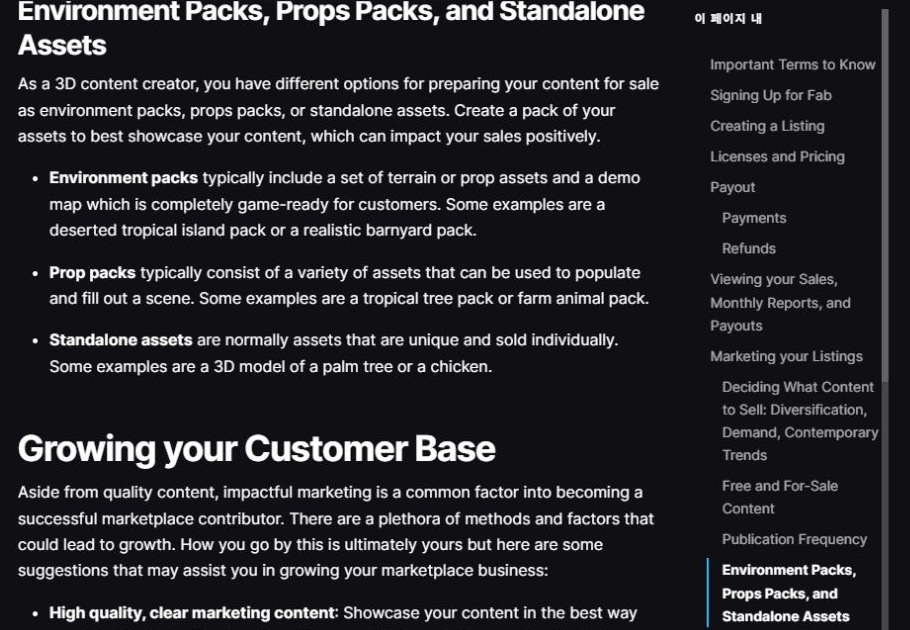
My working checklist has three parts: the editable work, the files a customer will use and the presentation that explains them. Those parts can overlap, but none automatically replaces the others.
For example, a beautiful render can help someone decide whether to buy. It cannot replace the model and its textures. An editable scene can be useful, but only if the description tells the buyer which application it requires.
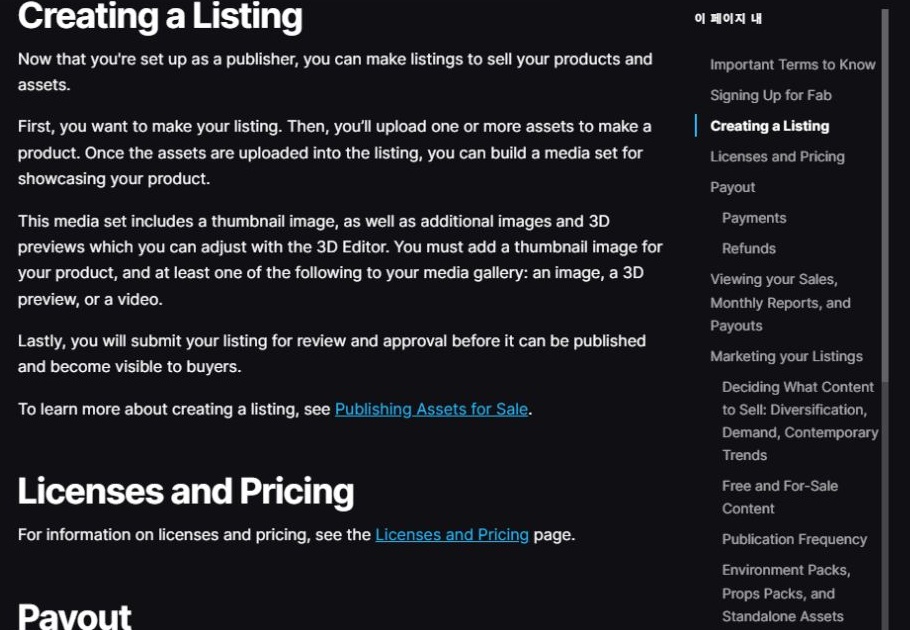
Know where the listing is in the process
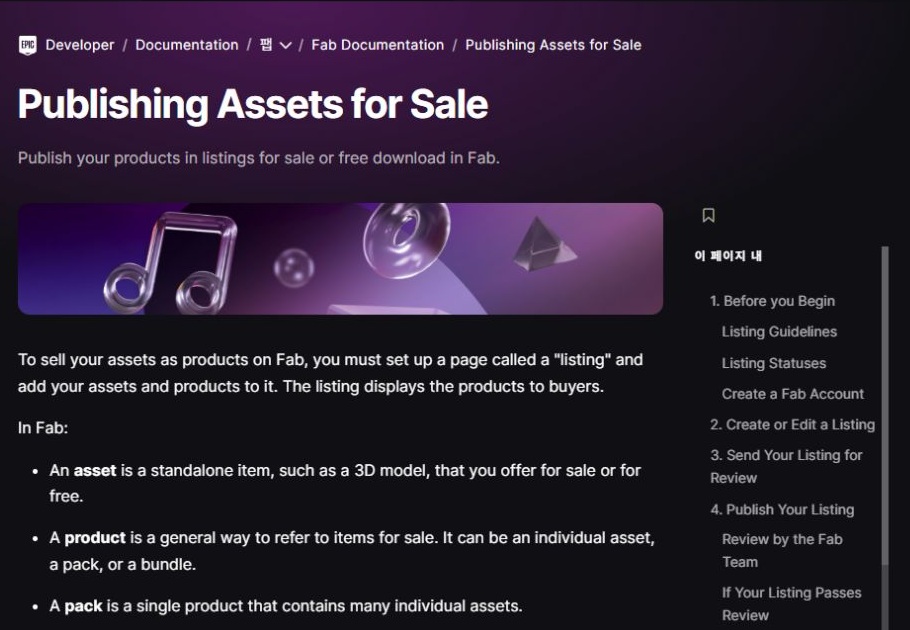
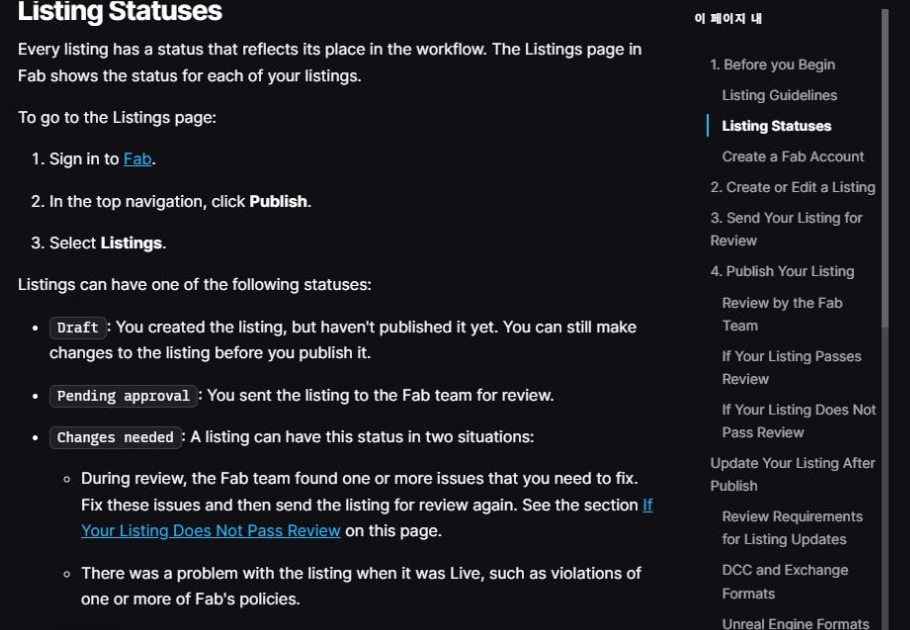
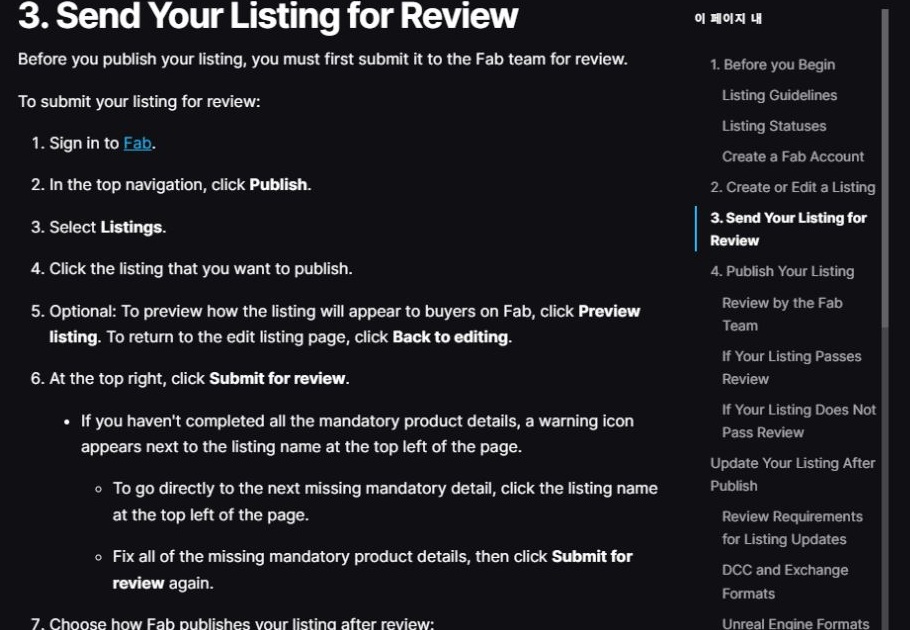
Fab reviews a listing before publication. I am treating a draft as a workspace, not a finished release announcement. Review feedback may require changes to the files or the explanation.
For my own first release, I would prefer to inspect the final presentation carefully before making it public. The publishing workflow offers automatic and manual activation after approval. The right choice depends on whether the launch materials are already ready.
Pricing and presentation need decisions too
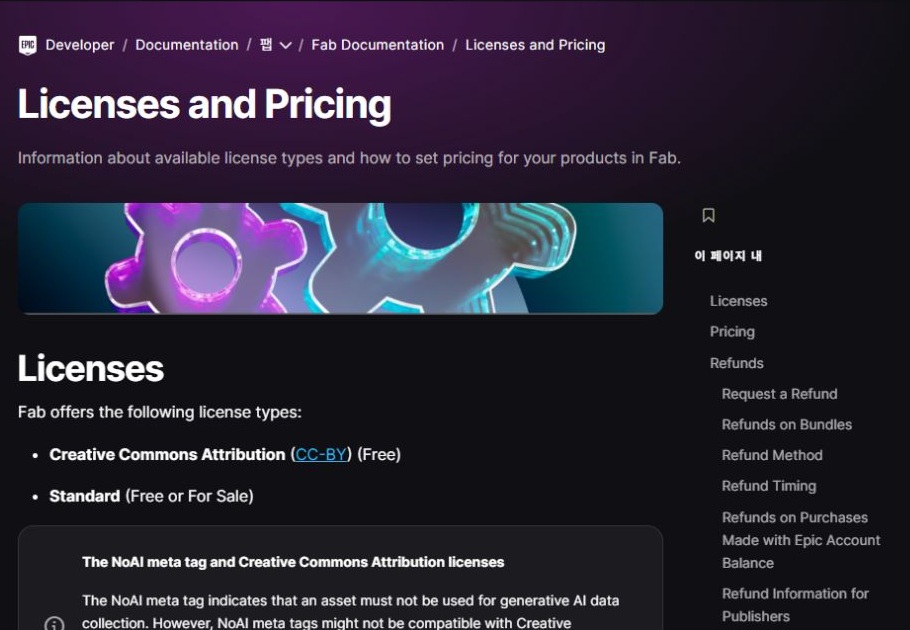
The Standard license has Personal and Professional price tiers. Offering both does not mean inventing two different products; the licensing and pricing choices need to be described accurately and checked against the current rules.
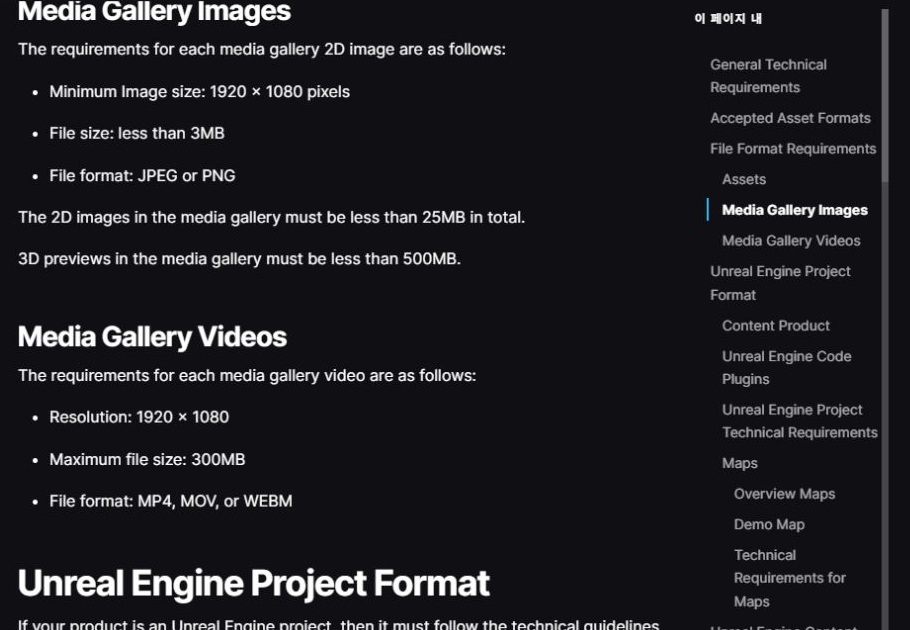
I have not fixed a launch price. I want to evaluate the finished contents, comparable products and the amount of setup the package saves before making that decision. I am also budgeting time for screenshots rather than leaving them until the upload day.
Set up a place to test, then define a small first milestone
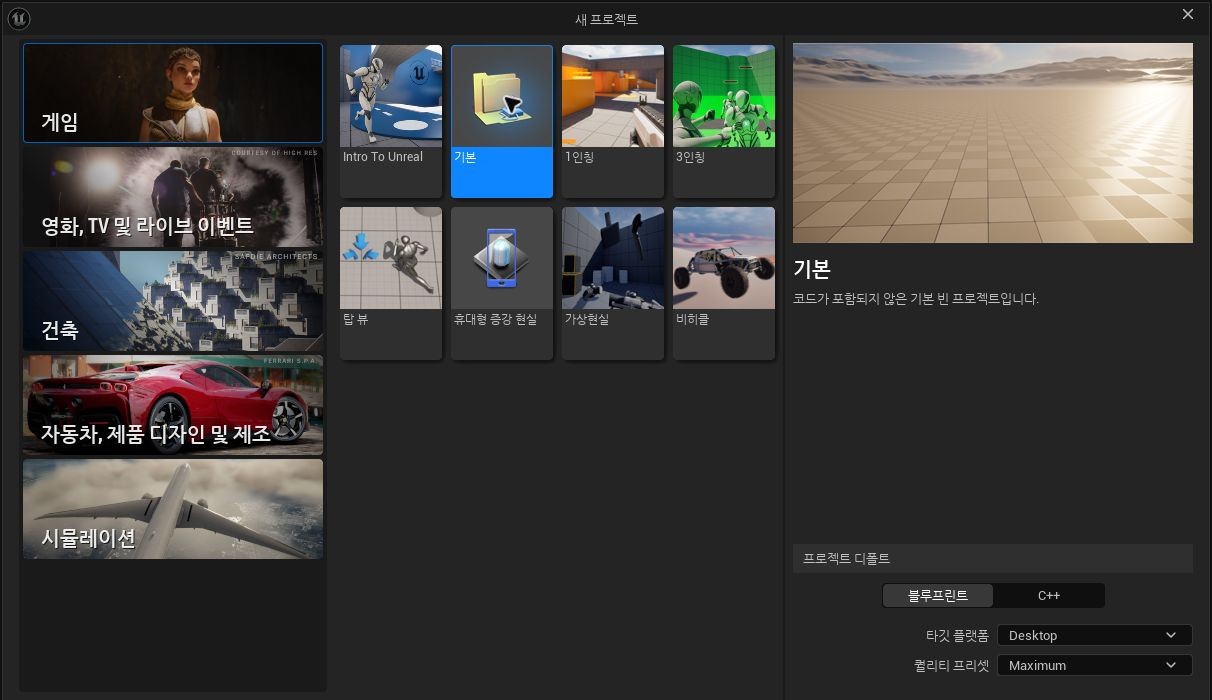
During this documentation session I opened the installed Unreal Engine and selected a blank Blueprint project for an illustrative test workspace. This is preparation for checking delivery, not a screenshot of my finished commercial pack.
My first meaningful production milestone will be one representative asset taken through the whole route: create it, export it, reopen it elsewhere, document its limitations and make a truthful preview. That will reveal more about the project than choosing a large target number now.
Before expanding the collection I want answers to three practical questions: can I reproduce the quality, can a new user understand the files, and can I support the formats I promise?
Continue the preparation series
- Registered as a Fab Publisher: What Comes Before the First Asset Sale
- Are Fab Assets Made in Unreal Engine? Separating Modeling from Delivery
- 2D Pixel Art or 3D Models? Choosing the First Fab Asset Workflow
- What Files Do I Need to Sell an Asset on Fab? My Submission Checklist
- FBX, GLB or Blender File? What I Learned from a Fab Download Dialog