Build Notes
2D Pixel Art or 3D Models? Choosing the First Fab Asset Workflow
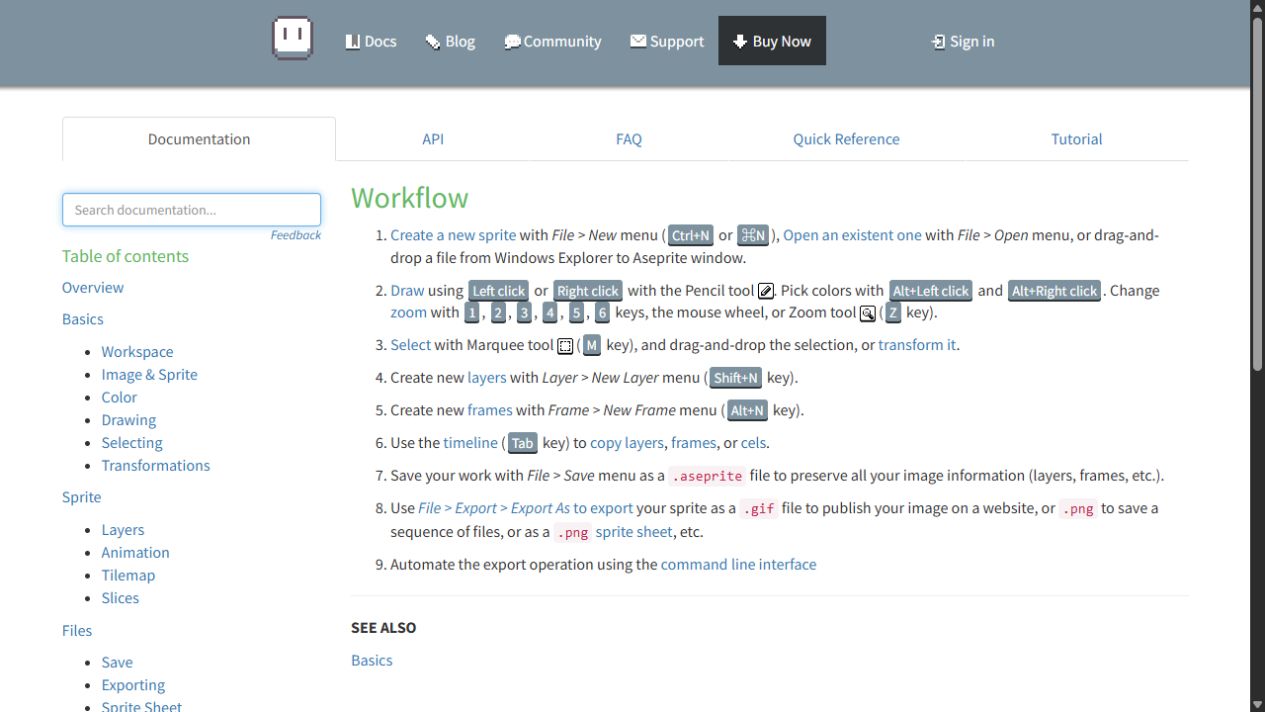
Once I started thinking about selling asset packs, two tool names kept coming up: Aseprite for pixel art and Blender for 3D. It was tempting to make both versions of the same collection immediately. The useful question turned out to be less about which tool was better and more about which customer workflow I could finish and verify first. This entry records that choice before commercial artwork has been completed.
Build Notes · Preparation series 3 of 5 · Checked November 7, 2026. Screenshots show research and an illustrative test workspace; no first product sale or completed pack is claimed.
2D begins with a viewing convention
A pixel-art object needs a defined viewpoint and a scale that makes sense beside the rest of the collection. A side-view prop, a top-down prop and an inventory icon are not interchangeable just because they depict the same object.
Before drawing a large set, I would specify the viewpoint, pixel dimensions, palette and placement anchor. Those decisions help a buyer combine the pieces without correcting each one manually.
Animation adds data as well as pictures
A flickering sign or candle might need multiple frames, a consistent frame box and a clear playback speed. I would document looping and the difference between a lit frame and an unlit frame.
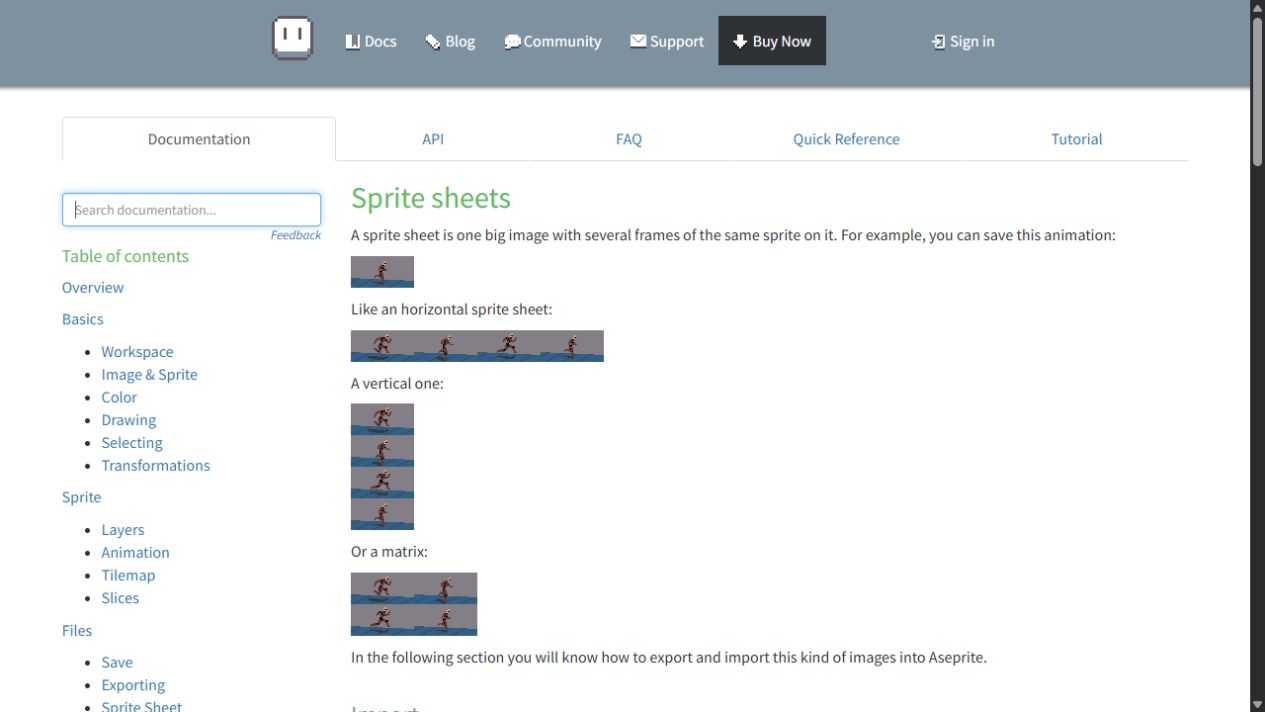
Aseprite's sprite-sheet documentation illustrates how frames can be arranged in one image. The layout still needs to be understood by the receiving tool. A sheet without dimensions or timing instructions leaves avoidable work for the buyer.
Editable artwork and exported artwork have different jobs
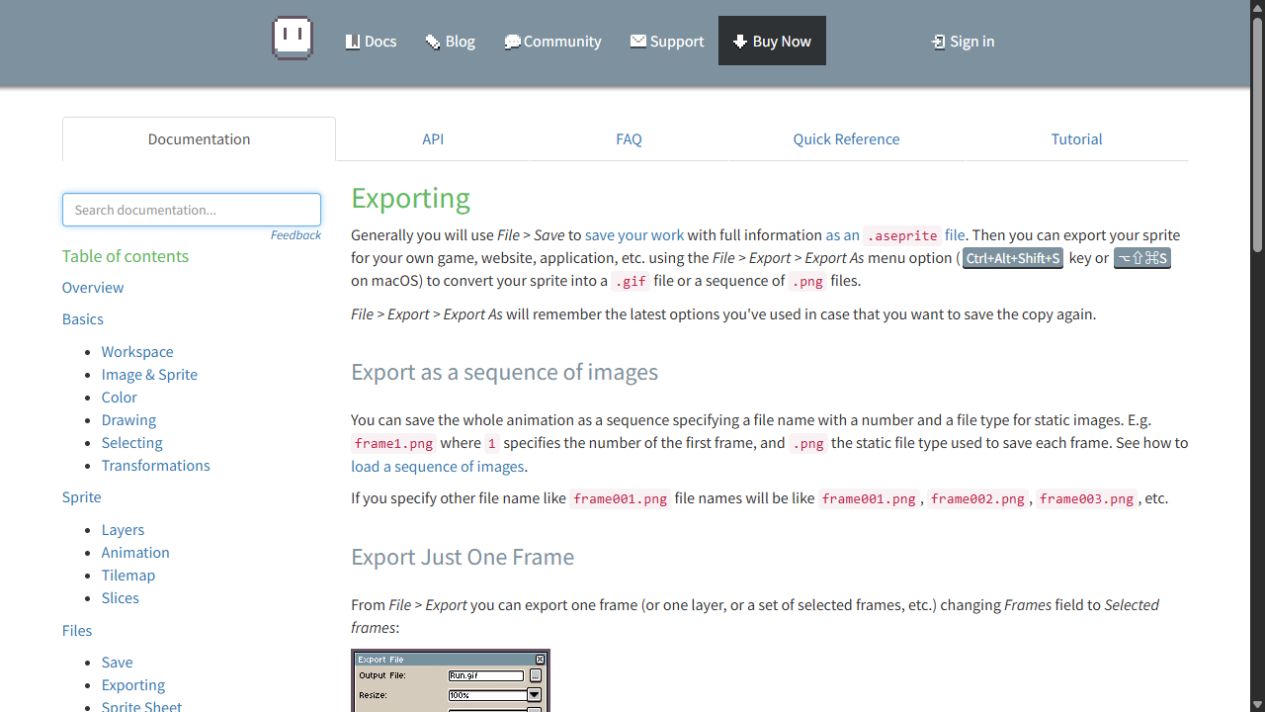
The .aseprite file preserves the editing structure; exported PNGs or a sheet are convenient inputs for other software. I would keep the editable original and label any customer-facing source files clearly.
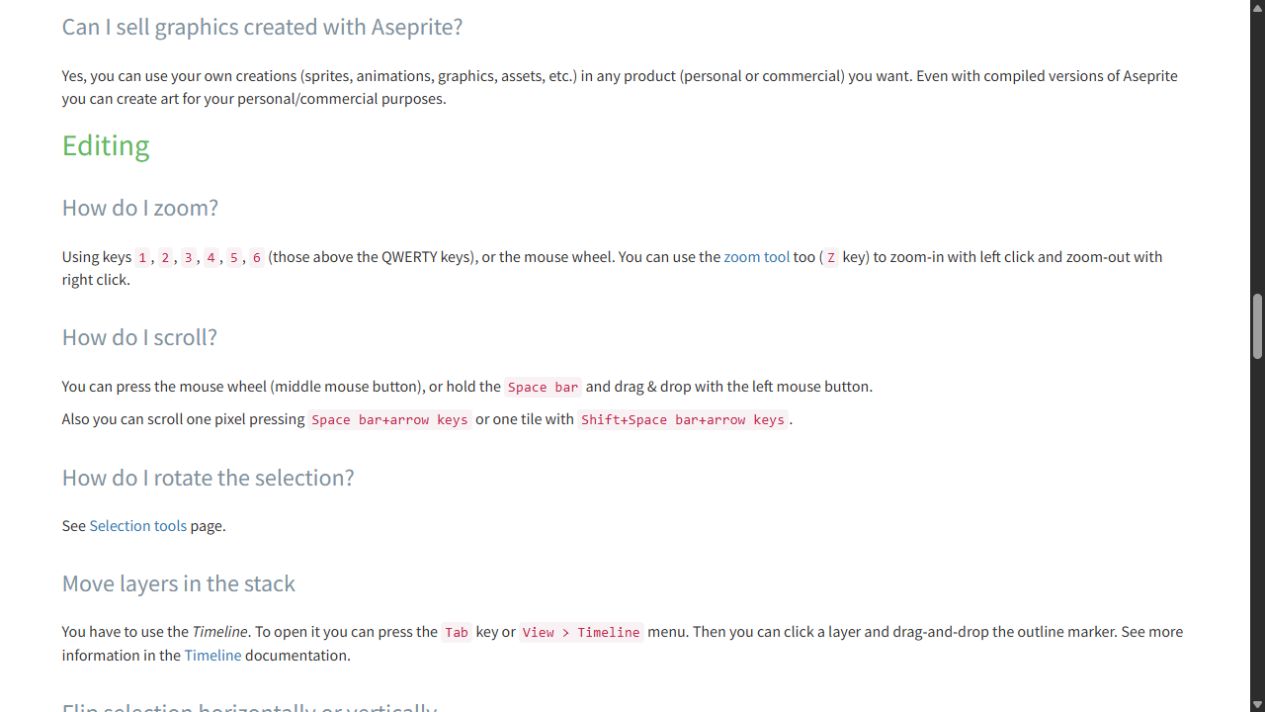
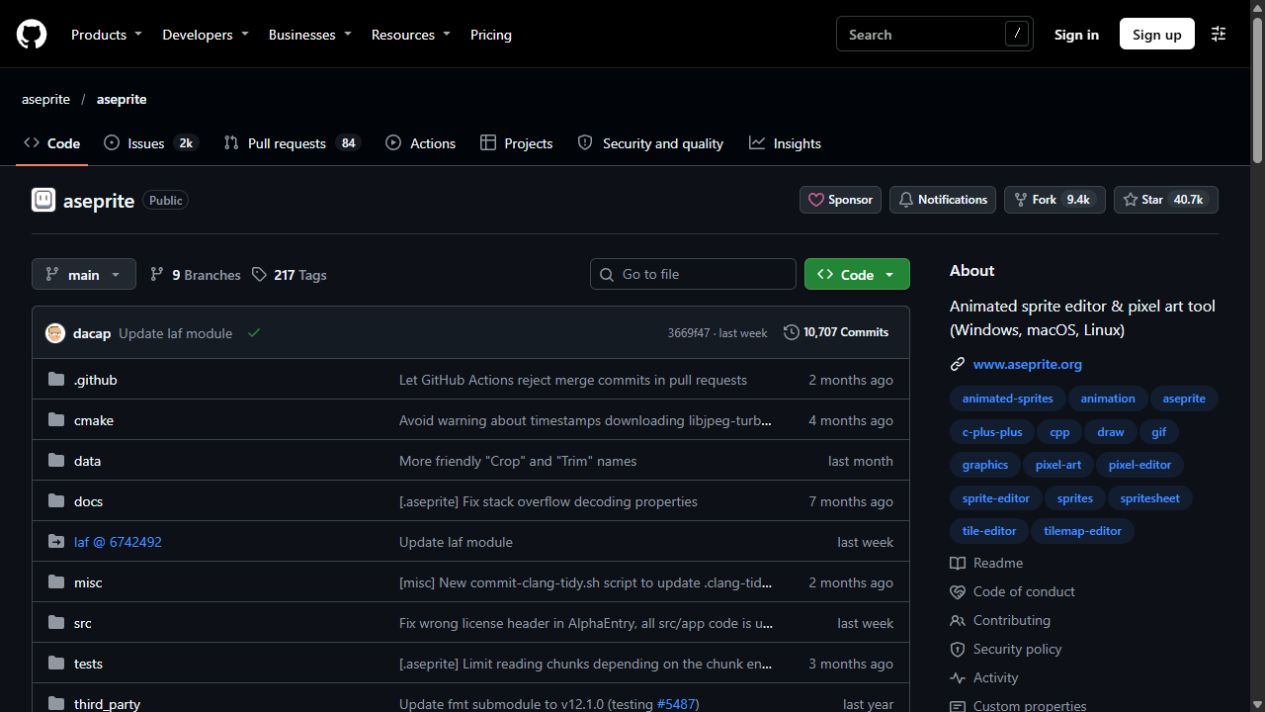
I also checked the official FAQ rather than assuming that visible source code meant an unrestricted application license. It permits selling artwork created with the tool, including a self-compiled version. Redistributing the Aseprite program is a separate issue. The official GitHub route involves building the source, rather than merely opening an installer.
3D moves the viewpoint decision to the scene
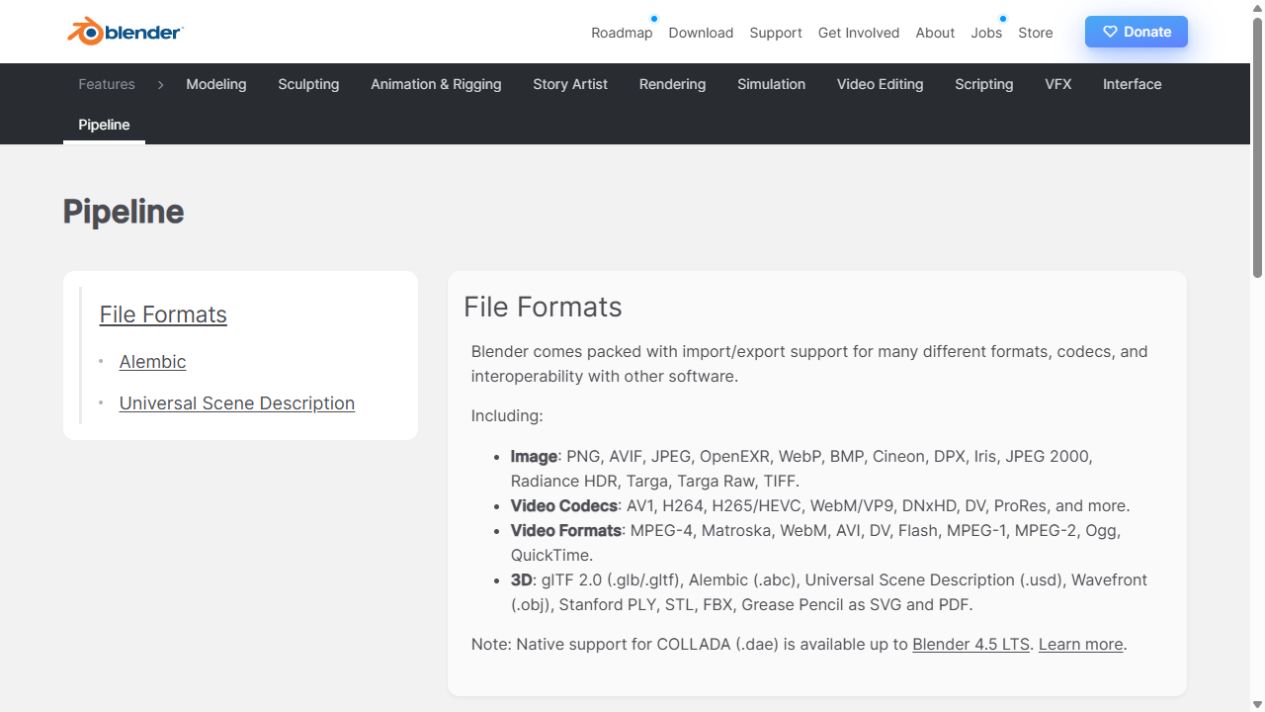
A 3D model can be viewed from different angles, but that flexibility adds work. Silhouette, hidden surfaces, scale, UVs and materials must hold up in the intended uses. The lighting and camera of one render can conceal problems that appear immediately in another scene.
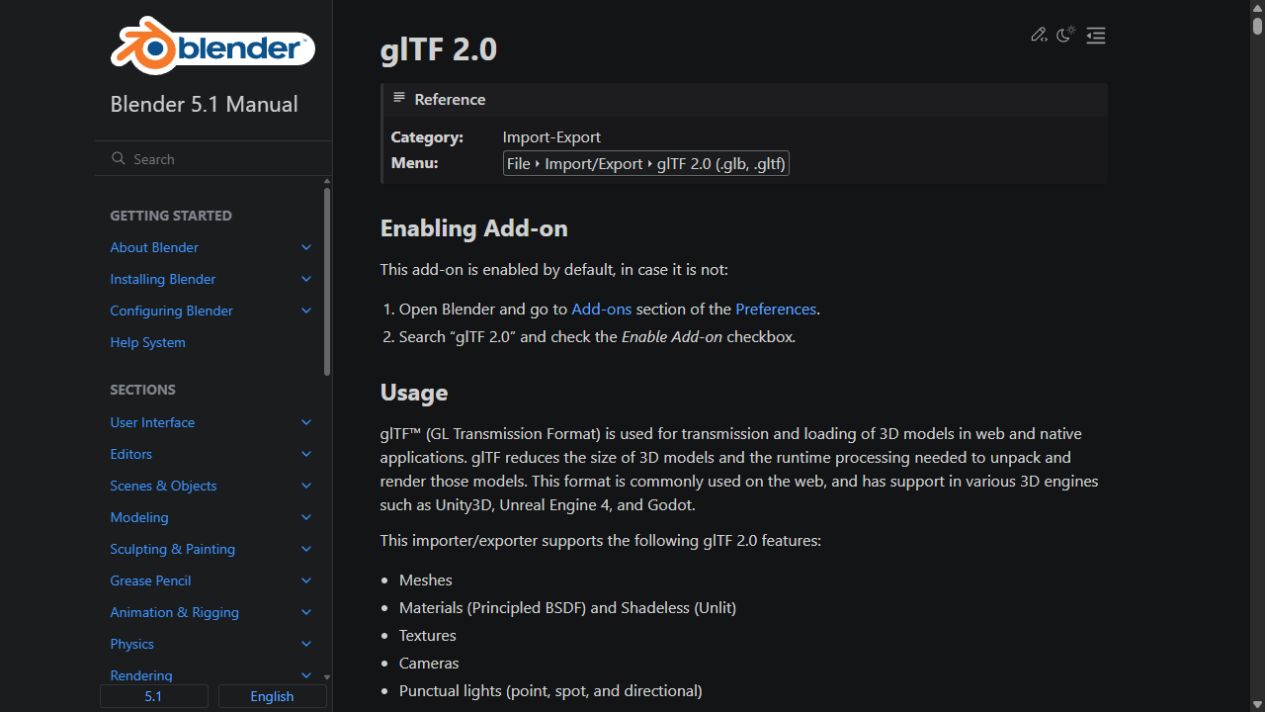
Blender is the planned authoring tool for this route. I would preserve the editable model and inspect the exported version separately. Reusing a design concept in 2D does not automatically produce a polished pixel-art asset.
Check the category before counting the contents
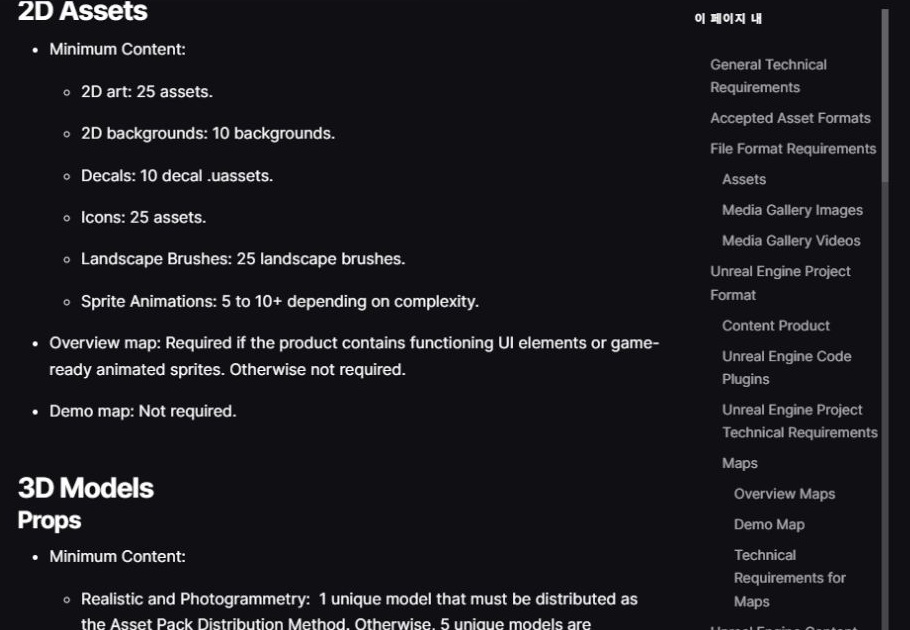
Fab separates guidance for 2D art, icons, sprite animation and 3D props. I will choose a product category and verify its current requirements before fixing a production count.
For our own inventory, I also want to distinguish unique designs from color changes, on/off states and exported copies. A buyer should be able to understand how many different objects are included without doing arithmetic on filenames.
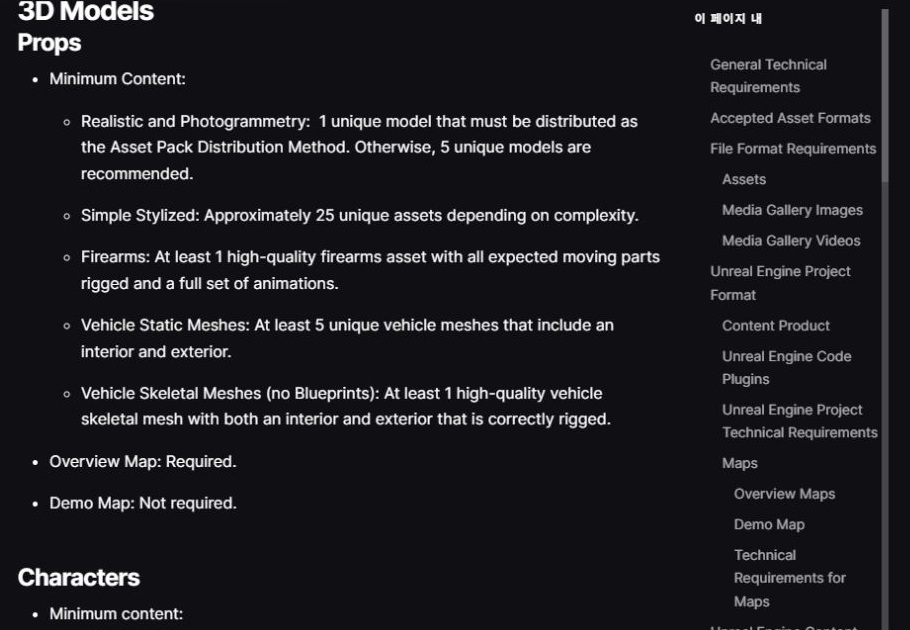
My first route is 3D, with 2D as a possible later product
We chose to explore 3D props and environments first. I am treating a 2D version as a separate future brief with its own viewpoint, export settings and test scene. This keeps the first milestone small enough to inspect honestly.
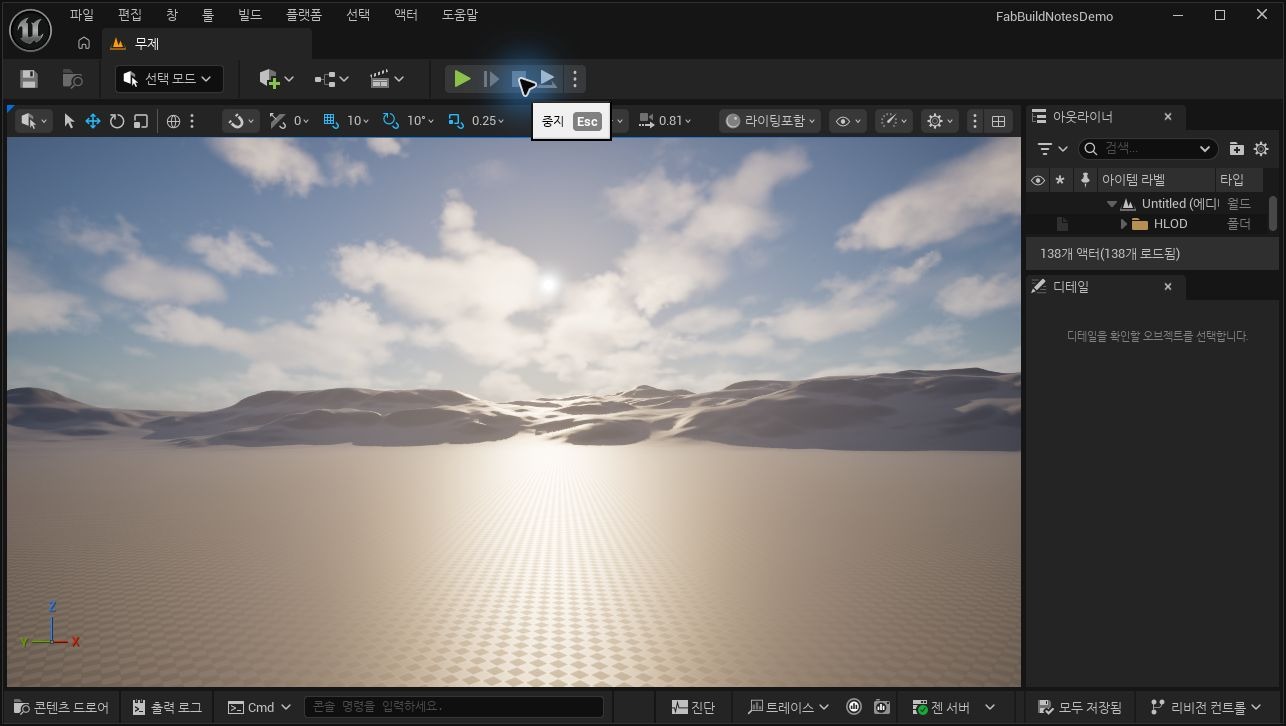
The Unreal screenshot below is an illustrative default workspace opened for these notes. It shows where an engine package can be assembled and checked; the supplied landscape is an engine template, not an environment collection I created.
Once one 3D asset survives the full delivery route, I can compare the time and quality against a small pixel-art study. That is a more useful basis for expanding the catalog than committing to two production pipelines at once.
Continue the preparation series
- Registered as a Fab Publisher: What Comes Before the First Asset Sale
- Are Fab Assets Made in Unreal Engine? Separating Modeling from Delivery
- 2D Pixel Art or 3D Models? Choosing the First Fab Asset Workflow
- What Files Do I Need to Sell an Asset on Fab? My Submission Checklist
- FBX, GLB or Blender File? What I Learned from a Fab Download Dialog