AI News
Seedream 5.5: What to Check After Repeated Image Edits
Seedream 5.5 focuses on a practical image-editing problem: a series of small revisions can gradually damage the parts of an image that were supposed to stay unchanged. ByteDance also adds native RGBA output, making the downloaded asset—not only its preview—important to inspect.
Scope: Image-model release; availability depends on the service and region
Read the official announcement ↗
Read the published sequence carefully
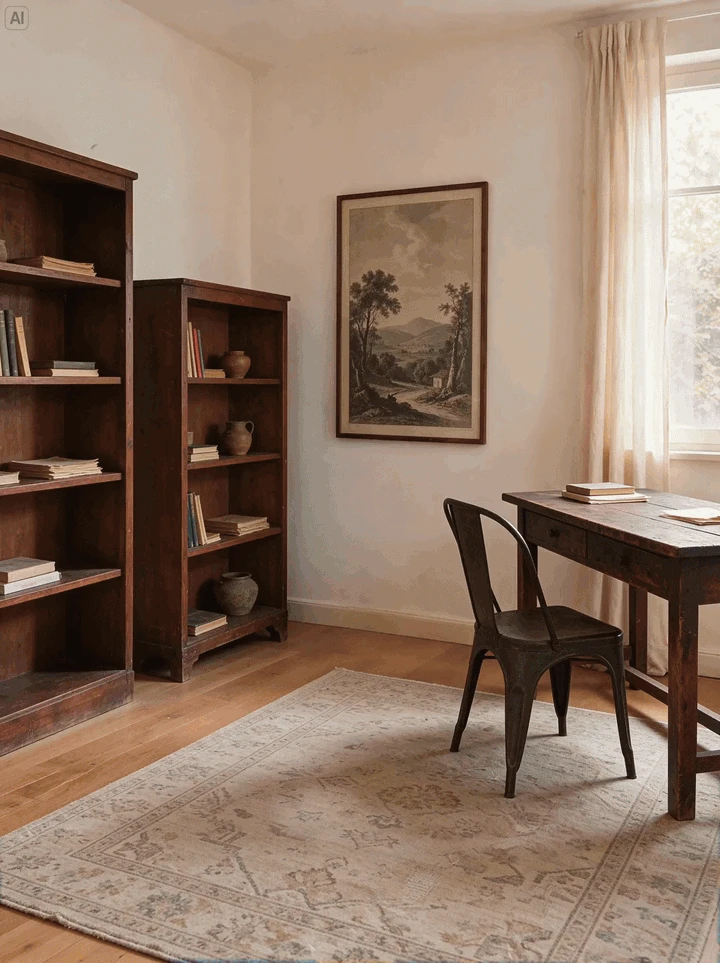
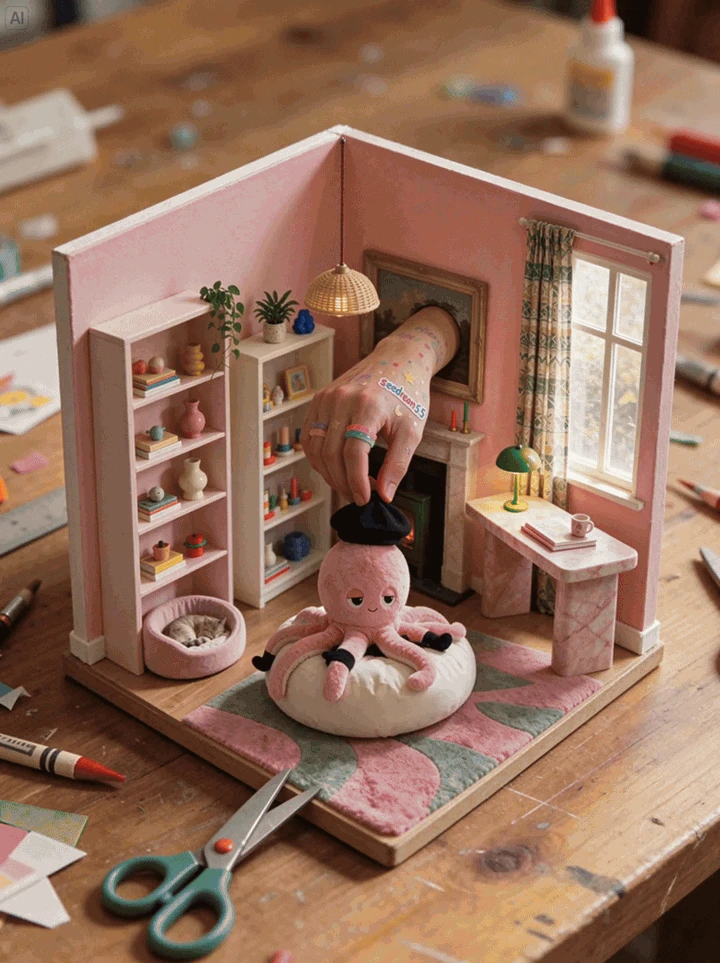
The room example makes iterative creative change visible: furniture, materials and the composition evolve substantially. That is useful inspiration, but these two stills alone cannot tell us whether every protected pixel survived each individual edit. The expected changed region and the exact input for each step would be needed for that narrower claim.
This distinction prevents a common evaluation mistake. A convincing final image can hide several unwanted changes along the way. Conversely, a large requested transformation can legitimately change much of the frame. Compare the result with the actual instruction rather than judging all differences as errors.
Separate the edit from the features to preserve
A useful prompt states both. For a fictional product image: change the label’s date, preserve the product silhouette and lighting, and keep the output dimensions fixed. Retain the original and each revision. If a later result changes the logo, you can identify the step where it happened instead of comparing only the beginning and end.
| Check | What to inspect | Why it matters |
|---|---|---|
| Requested change | The exact object, text or region named in the instruction. | A beautiful revision can still miss the requested task. |
| Protected content | Logo, geometry, small text and background outside the edit. | Small unintended changes can accumulate across iterations. |
| Delivery file | Dimensions, format and alpha channel where requested. | A preview can hide a flattened background or a resized export. |
ByteDance’s dated technical announcement reports improved multi-turn editing and describes a 100-round example. That is the publisher’s demonstration, not a run we reproduced. A short personal trial can reveal a specific failure or success; it should not be described as confirming the entire long-sequence claim.
RGBA is a property of the file
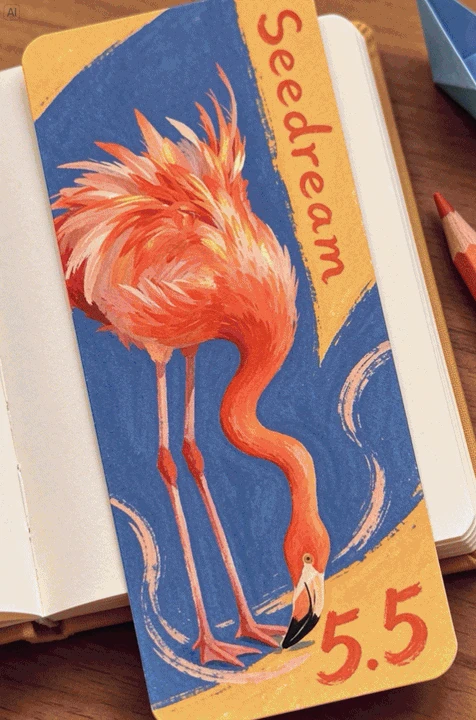
A reusable asset needs more than a white-looking background. In an RGBA image, the alpha channel represents transparency; a preview can instead show an opaque background that only looks like a cutout. The finished flamingo composition is an example of visual reuse, while the actual transparency question belongs to the source asset.
Open a downloaded result over both a dark and a light background. Inspect fine edges, gaps between feathers and partially transparent regions at a useful zoom. If a pale rectangle remains, the preview did not establish transparency. Keep the exported file alongside the prompt so a teammate can reproduce the check without relying on a thumbnail.
Text needs its own review
The official product page also emphasizes clearer text and more natural materials. Those are separate quality dimensions. A convincing photograph can still contain a wrong date or a plausible-looking invented word. Review important text character by character, especially after a later edit that was supposed to affect only another area.
For a small label, compare the downloaded file at its intended delivery size. A headline readable in an enlarged preview may be unsuitable after a final crop or downscale. Keep legibility, factual accuracy and visual appearance as separate checks rather than letting one attractive result stand in for all three.
Where to access it, and what not to assume
The official model page links Dola and BytePlus Playground, while the Chinese launch post lists additional regional services. Verify that the actual service exposes Seedream 5.5, the output format you need and the current generation price. Availability through one service does not establish the same rollout or terms everywhere.
The launch post describes a later Pro version as forthcoming. Do not treat the base release as proof that the future variant is already accessible. Likewise, a provider showing an image-generation tool does not confirm its hidden model revision. Keep the visible model identity and settings when they are exposed.
A focused first trial
Use one image you own and three purposeful edits: one text correction, one object change and one requested transparent asset. Compare each result with its immediate input and check the downloaded files. Record any drift or failed export honestly. This remains a proposed trial here; we did not generate new Seedream outputs for this article.
Our ChatGPT Images 2.6 article offers a separate input-and-result workflow. Outputs from that service or ImageGen would not be evidence of Seedream performance. Explore ByteDance’s original editing gallery externally ↗.
Reviewed November 15, 2026. Discovery lead: JoCoding’s November 15 IT NEWS briefing. Product claims were checked against primary sources. All example images are supplied by ByteDance and retain the publisher’s AI marking. Animated examples are shown here as static stills; no independent benchmark or alpha-channel test is claimed.