Code Lab
Google Stitch Skills Explained: From Design Rules to React Components
CODE LAB · PROJECT SPOTLIGHT
Google Stitch Skills TypeScript helpers · Apache 2.0
Bring design rules into Stitch and use screen exports as inputs to a frontend implementation.
Repository preview · google-labs-code/stitch-skills · GitHub.
Google Labs’ Stitch Skills repository gives coding agents a set of workflows for moving between interface designs and source code. Its most practical use is a handoff with three pieces that a developer can inspect separately: the design rules, a selected screen, and the resulting components.
Stitch is the hosted design environment. Its MCP server connects an agent to project and screen operations. The GitHub repository supplies skill instructions and helper scripts for using those operations. Installing a skill adds workflow guidance to a compatible agent. Access to Stitch still requires configuring the server and authenticating through a supported route.
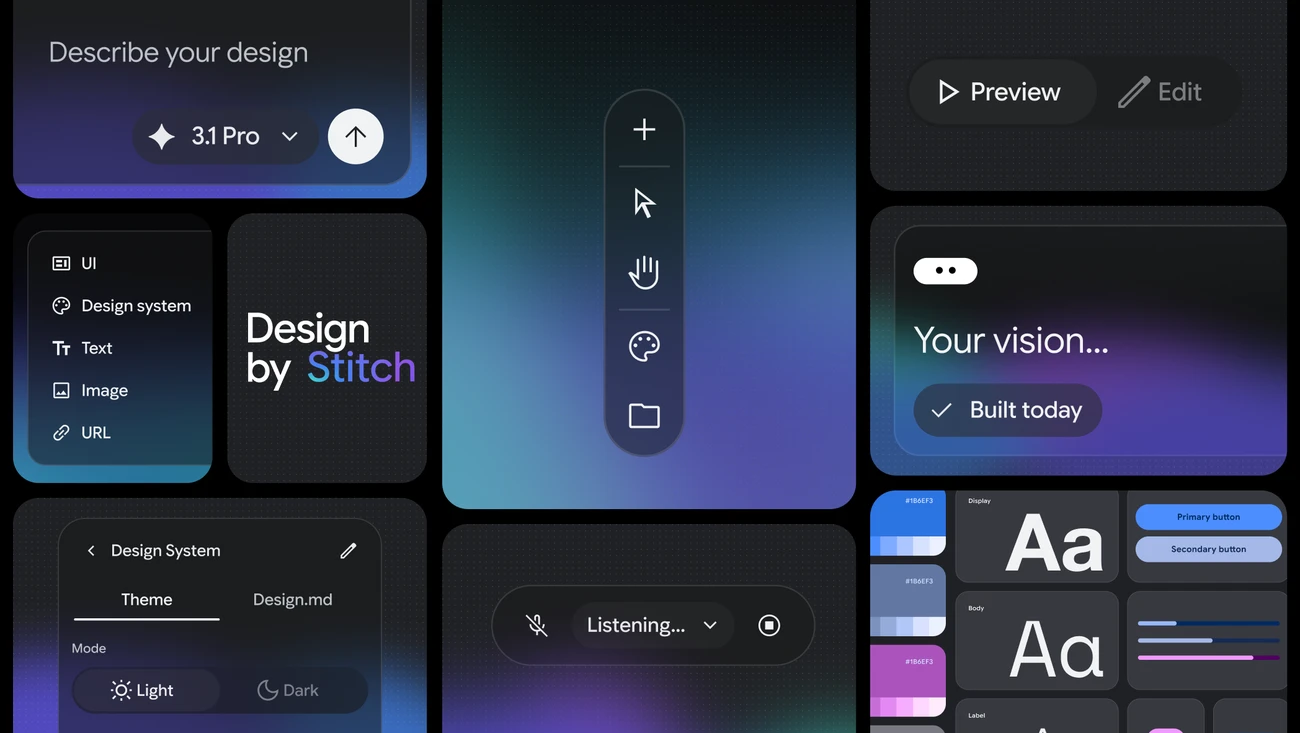
Choose a workflow by the artifact you need
| Repository group | Artifact to review | Typical use |
|---|---|---|
| stitch-design | A new screen, an updated design system or a static HTML snapshot | Start from an existing theme or share the look of a frontend mockup. |
| stitch-build | Components plus the design inputs used to create them | Use a selected screen as a reference for React or another documented target. |
| stitch-utilities | Design guidance or a clarified prompt | Capture style decisions before generating additional screens. |
Begin with one screen and a few explicit rules. For a status dashboard, specify the color and text used for warnings, the spacing scale and the minimum label size. Record those decisions in DESIGN.md so you can identify any drift in the next screen. Google published the draft format separately from this repository.
Make the Stitch-to-React handoff reviewable
The React components skill calls for retrieving screen metadata via the MCP server before reading the downloaded HTML. That gives the agent a direct reference to its source screen. A production review can start with a small project that contains only the design you want, because the skill’s documented workflow collects every screen in the selected Stitch project.
Save the screen identifier with the work. Look for repeated cards, buttons and labels that can share components. Then identify decisions the developer still owns, such as retry behavior, loading and error states, keyboard focus and which units the data uses. The repository describes optional validation checks. A successful structural check provides evidence about that check’s rules; confirm keyboard behavior and application state separately.
Read the source in the reverse direction
The repository also contains a helper for taking a JSX mock back toward a static design artifact. This excerpt handles the child expression of a JSX element.
String and number literals become text. A template literal is reduced to the text segments between its substitutions. Other expression types reach a warning and yield an empty string. A mock with literal labels can therefore provide useful visual input. If the label comes from live data or a conditional branch, check the resulting static HTML for missing content. This helper belongs to the code-to-design workflow, while the React skill starts from a Stitch screen.
Try one screen before adopting the workflow
Use an original mock with one toolbar button, one loading state and two rows of sample data. Compare the design with the implemented screen at a phone and desktop width. Keep a screenshot for each width and check a keyboard interaction against the expected result. If you use the static helper in the reverse direction, compare one literal label with one dynamic label in the export. This article reviews public source and published visuals. We did not run an MCP session, export a design or execute the helper.
Choose the installation route for your agent in the repository README. The project instructions cover separate plugin groups and depend on a configured Stitch MCP server. Review account eligibility and applicable service limits in your selected environment. The repository’s Apache 2.0 license covers its source files.
Continue with the pinned setup instructions ↗, React components skill ↗ and Stitch MCP setup ↗.
Related reading: Modern Web Guidance for coding agents and NVIDIA SkillEvaluator.
Source excerpt from Google Labs’ stitch-skills repository. Original line numbers and syntax colors are shown. Apache License 2.0 ↗. Discovery: Mindung’s November 18 GitHub roundup ↗.