Build Notes
Codex Desktop: How to Preview ZIP Archives and Edit CSV Files
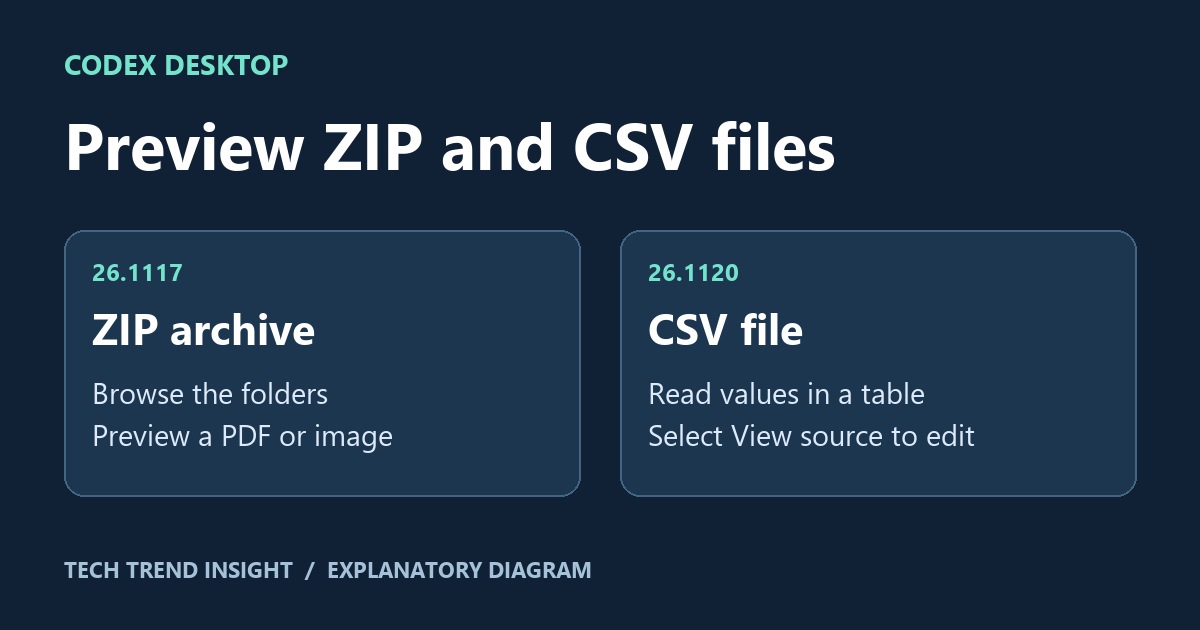
Codex desktop can now browse ZIP archives and display CSV files as tables. OpenAI announced ZIP browsing in Codex app 26.1117 on November 19, 2026, and CSV table previews in 26.1120 on November 23. These changes help when you need to inspect an export or review a small data file alongside a task.
Browse an archive from your task
Use the Codex desktop app with ZIP support from 26.1117 or a later build. Open a ZIP file you can access in the file viewer, browse its folders and select a supported file such as a PDF or image to preview without extracting the archive. For example, open a project handoff archive and locate its report PDF before deciding which files to extract for further work.
Check a CSV table, then edit its source
In 26.1120 or a later build with the feature, open the CSV file in the desktop app. The table makes it easier to compare headers and see which values belong to each field. Select View source to edit the raw CSV in the same tab.
name,city
"Lee, Mina",Seoul
Park,Busan
In a scratch CSV, check whether the table renders two columns and keeps “Lee, Mina” together in the name column. Use the source view to inspect the quotation marks around that value. That check helps spot delimiter mistakes, while a real import still needs validation against the destination’s rules.
The November 23 release also remembers the last source or preview mode when you open another Markdown file. On Windows it corrects branch review counts in repositories with many long file paths.
The examples are walkthroughs based on the official notes. We did not run them in these desktop builds. See the official file workflow guide and Codex Update history.