Code Lab
Diagram Design: Export a Standalone SVG Without Losing Its Styles
CODE LAB · PROJECT SPOTLIGHT
Diagram Design Python exporter · MIT
Keep diagram styles when exporting an editable SVG.
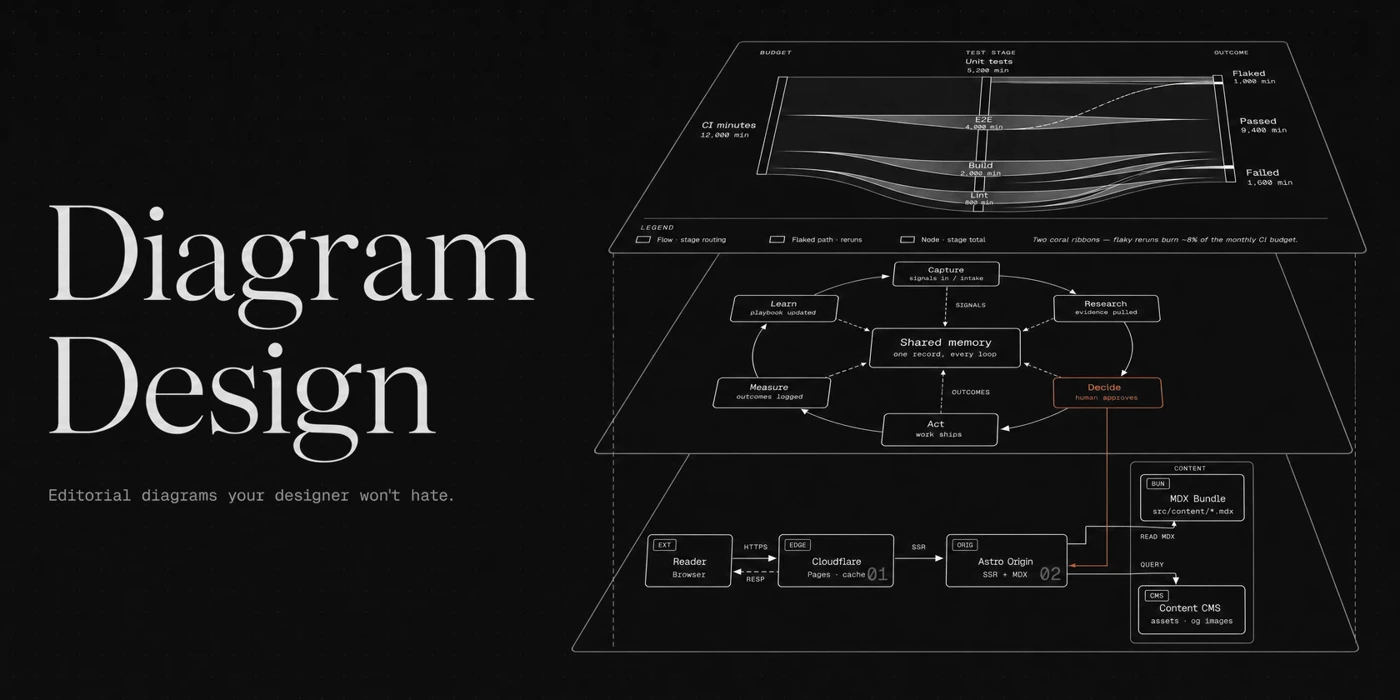
Project preview · cathrynlavery/diagram-design
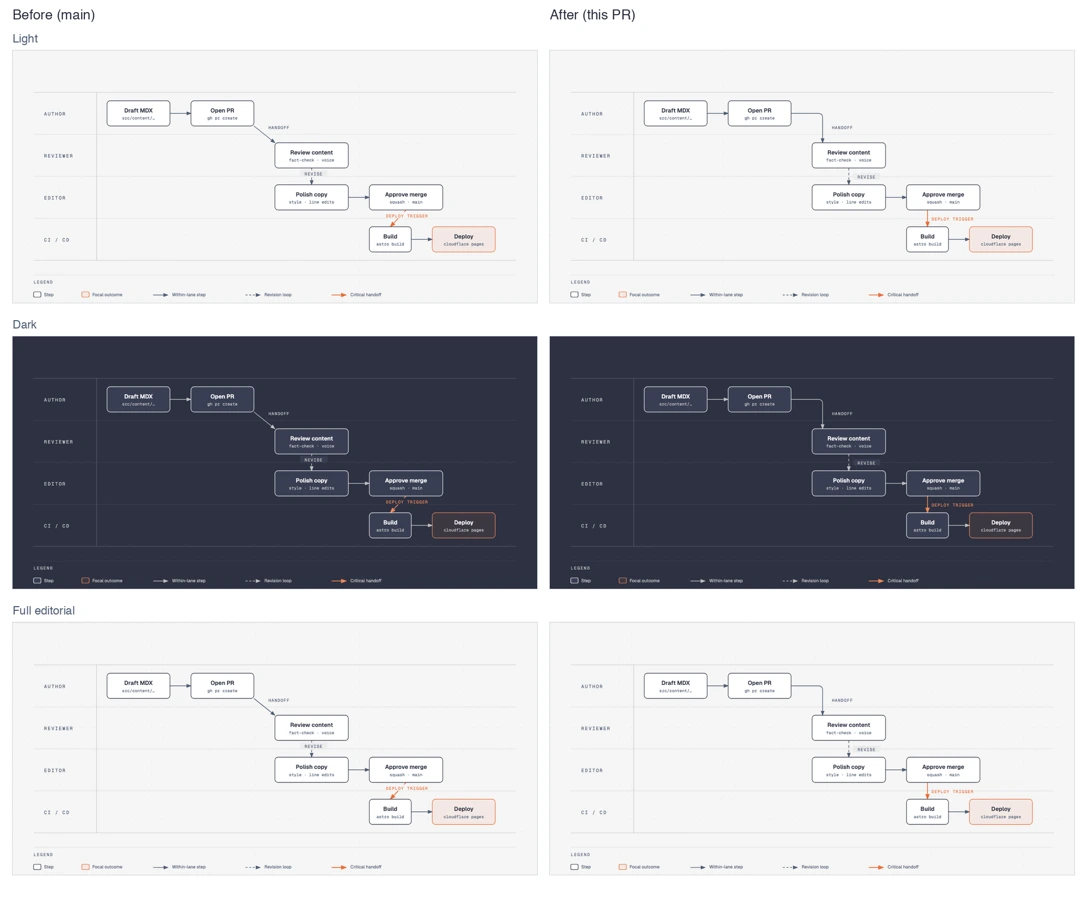
Diagram Design gives coding agents HTML and SVG templates for diagrams ranging from system maps to editorial illustrations. The export problem is easy to miss. A shape may look correct in its HTML page because its color comes from a CSS class declared outside the SVG. If the exporter simply copies the SVG element, the standalone file can lose that color.
Carry the diagram’s styles into the SVG
The exporter reads the HTML stylesheet, selects and rewrites rules for this diagram, then inserts them into the SVG. It namespaces definitions so references such as arrowheads can be carried with the drawing. Near the end it checks that class-styled content still has diagram CSS and parses the result as XML.
Export a rectangle styled by the HTML page
Save the pinned export_svg.py beside this Python example. The HTML supplies a rectangle and one rule for its fill. We set the exporter’s system-font option to omit its Google Fonts import, then parse the result and check that the CSS survives.
from pathlib import Path
from xml.etree import ElementTree as ET
from export_svg import export_svg_document

source = """<style>.service { fill: #334155; }</style>
<svg viewBox="0 0 160 60">
  <rect class="service" x="4" y="4" width="152" height="52" />
</svg>"""
svg = export_svg_document(source, Path("service-map.html"), system_fonts=True)
root = ET.fromstring(svg)

print("Valid SVG root:", root.tag == "{http://www.w3.org/2000/svg}svg")
print("View box:", root.get("viewBox"))
print("Styles carried:", ".service" in svg and "#334155" in svg)
print("Google Fonts import:", "fonts.googleapis.com" in svg)
Observed output
Valid SVG root: True
View box: 0 0 160 60
Styles carried: True
Google Fonts import: False
The output still has its original view box and includes the fill rule. This run exercised the actual upstream exporter against a small fixture and verified the resulting XML. An export you intend to deliver should also be opened in the destination application to check text metrics, arrowheads and any behavior specific to that renderer.
Keep both files for revisions
The HTML is the working document and can contain layout or interactive elements outside the diagram. The SVG is suitable when you need the drawing as a separate asset. When handing off a diagram, include the HTML alongside the exported SVG and note which fonts the drawing uses. That makes a label edit or a new export easier to reproduce.
Mindung’s introduction · Related Code Lab article on sharing structured content across views
Source excerpt © 2025 Cathryn Lavery. MIT license.