Build Notes
FBX, GLB or Blender File? What I Learned from a Fab Download Dialog
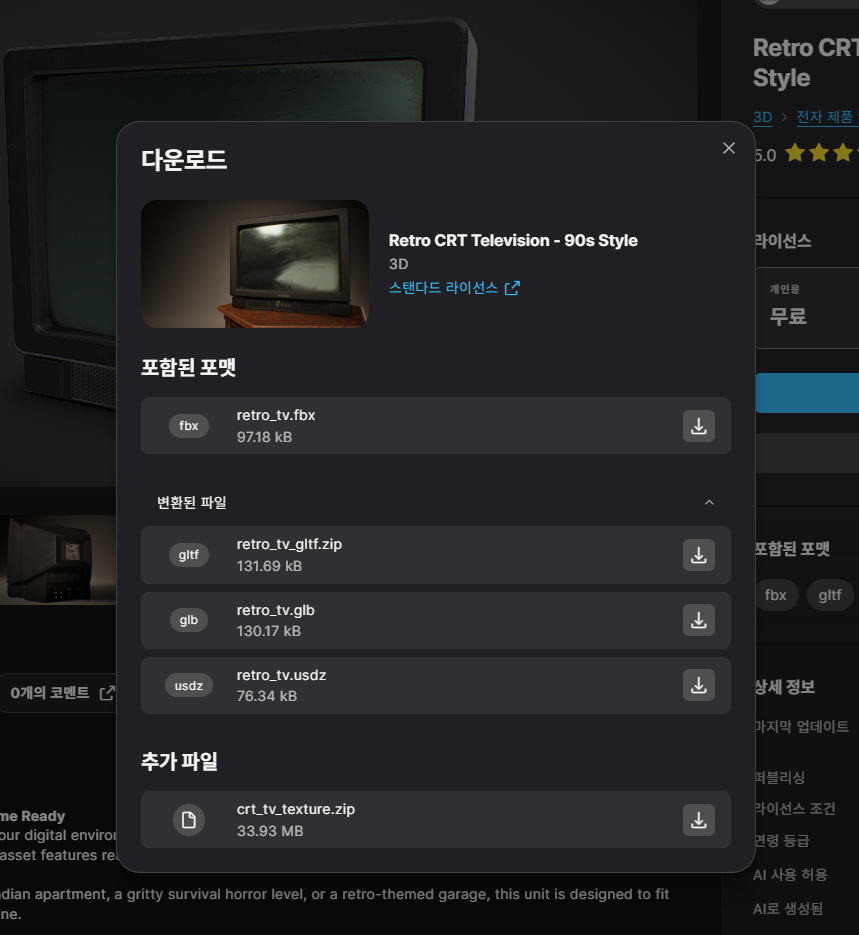
While looking at a retro CRT television on Fab, I reached a download dialog with an FBX, converted glTF and GLB files, a USDZ and a separate texture ZIP. My question was simple: which one should I get for Blender? That small moment became a useful lesson for planning my own product downloads. A buyer should not have to guess which files form a complete usable asset.
Build Notes · Preparation series 5 of 5 · Checked November 7, 2026. Screenshots show research and an illustrative test workspace; no first product sale or completed pack is claimed.
Read the actual files, not only the extension badges
The screenshot below is from our earlier download session. It shows retro_tv.fbx and crt_tv_texture.zip alongside converted formats. It records the files visible at that time, rather than guaranteeing that the seller's offer will never change.
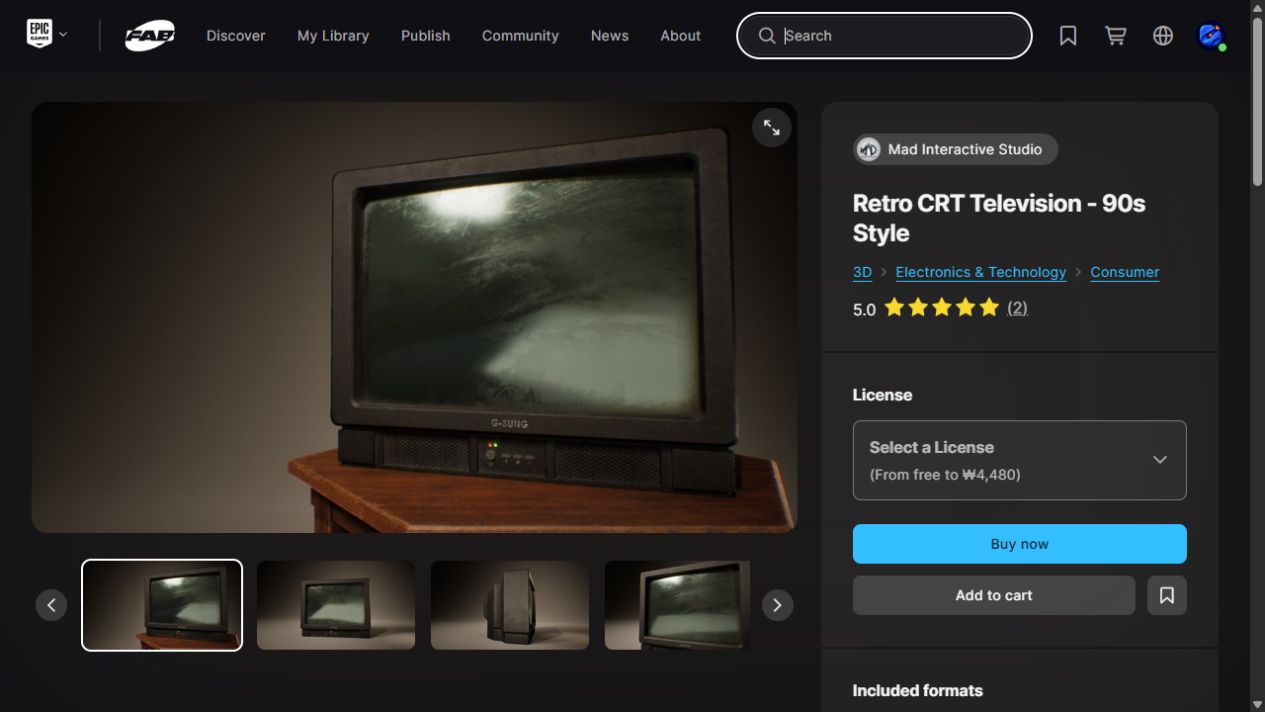
The television is a third-party asset by Mad Interactive Studio. It is a reference for understanding distribution, not part of a collection I made or an item I intend to resell.
For that download, the texture ZIP mattered
The practical starting choice was the original FBX plus the separate texture archive. The seller's description explicitly says the textures are supplied separately. Downloading only the small model file would not mean I had collected all of the advertised surface maps.
I have not used the screenshot as evidence of a successful Blender import. The lesson here is selecting a complete set of inputs; checking the imported result remains a separate step.

A .blend file and an FBX serve different purposes
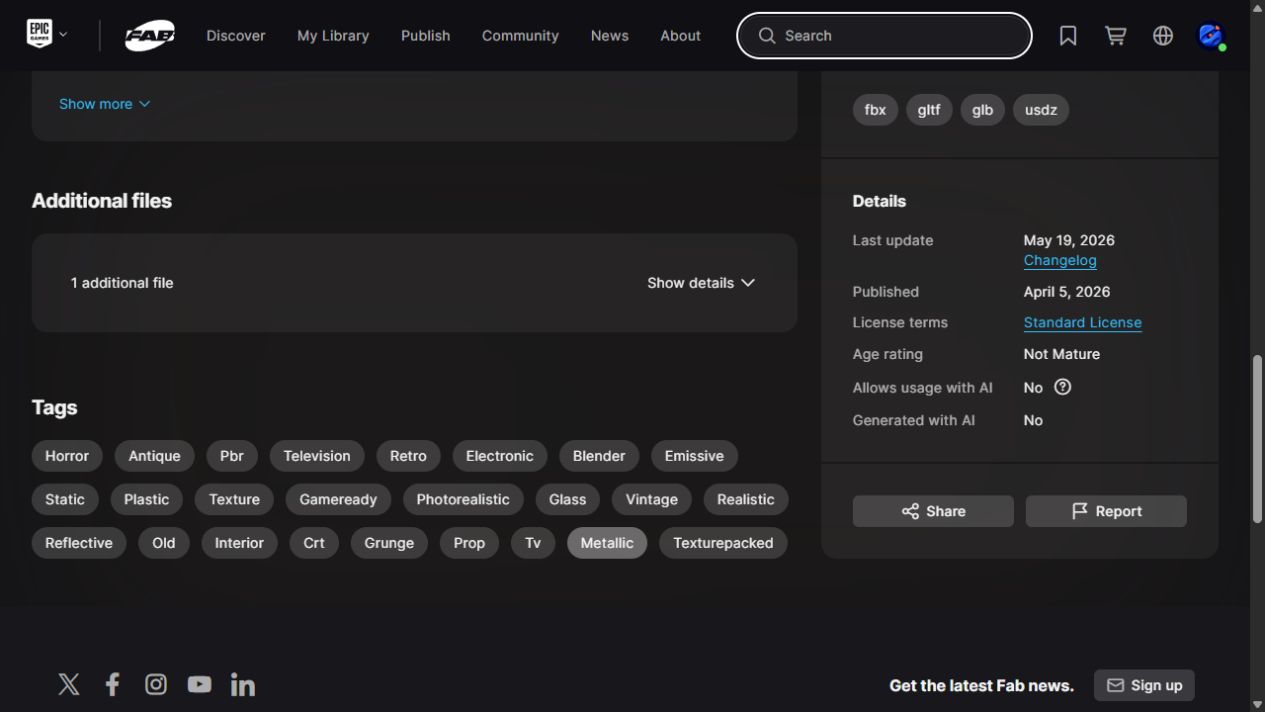
A .blend is Blender's native project format. FBX is an exchange format that Blender can import. A native file can retain editable scene details that do not translate directly through an exchange export.
For a downloaded FBX, the normal route is File > Import and the FBX importer, rather than expecting the native Open dialog to treat it as a Blender project. The exact importer options depend on the installed Blender version.
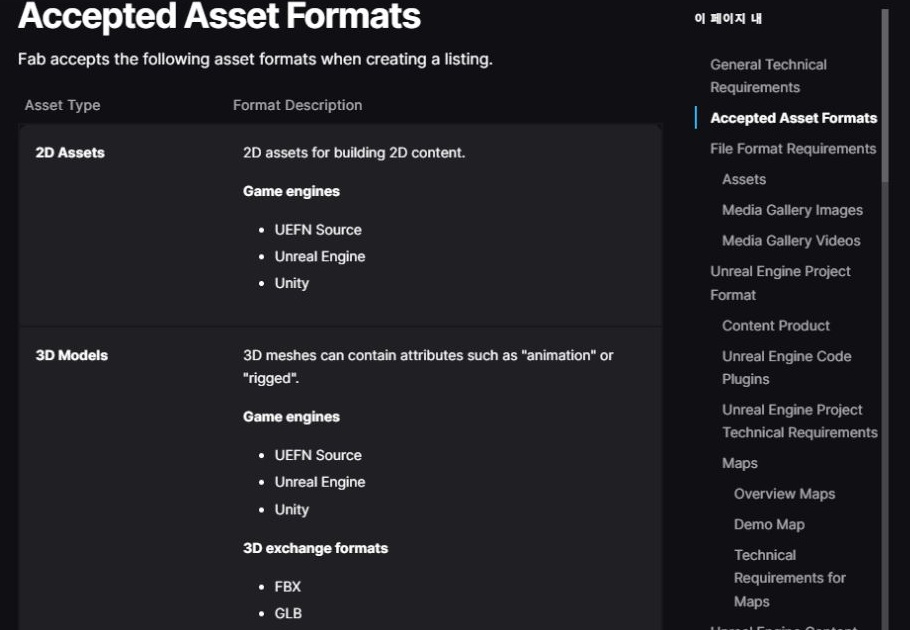
GLB is also a Blender option
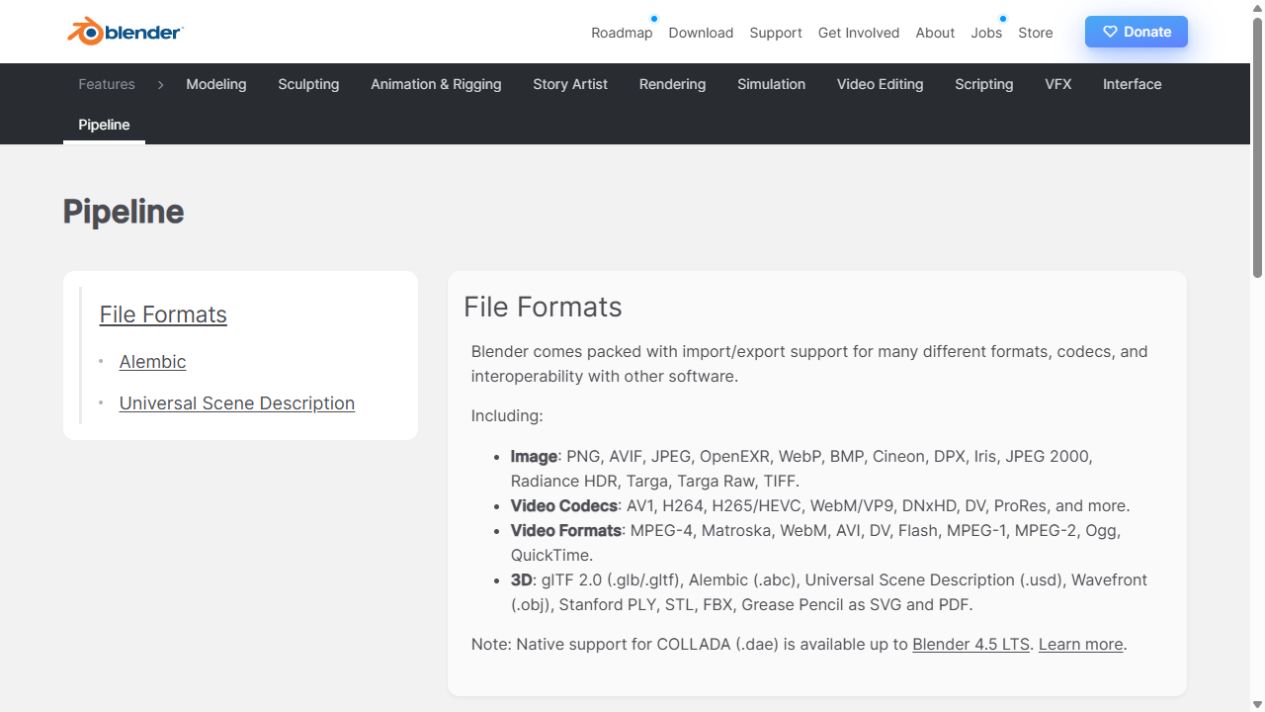
Blender's glTF importer supports both .glb and .gltf. GLB is the binary variant and can bundle model resources together; separate glTF delivery can involve a .gltf file, binary data and textures. That is why an archive may contain several related files.
I would not declare a converted GLB inferior just because it is converted. For this particular choice I started with the seller's original export and the explicitly supplied textures. If a converted alternative is more convenient, I would inspect it for the information my scene needs.
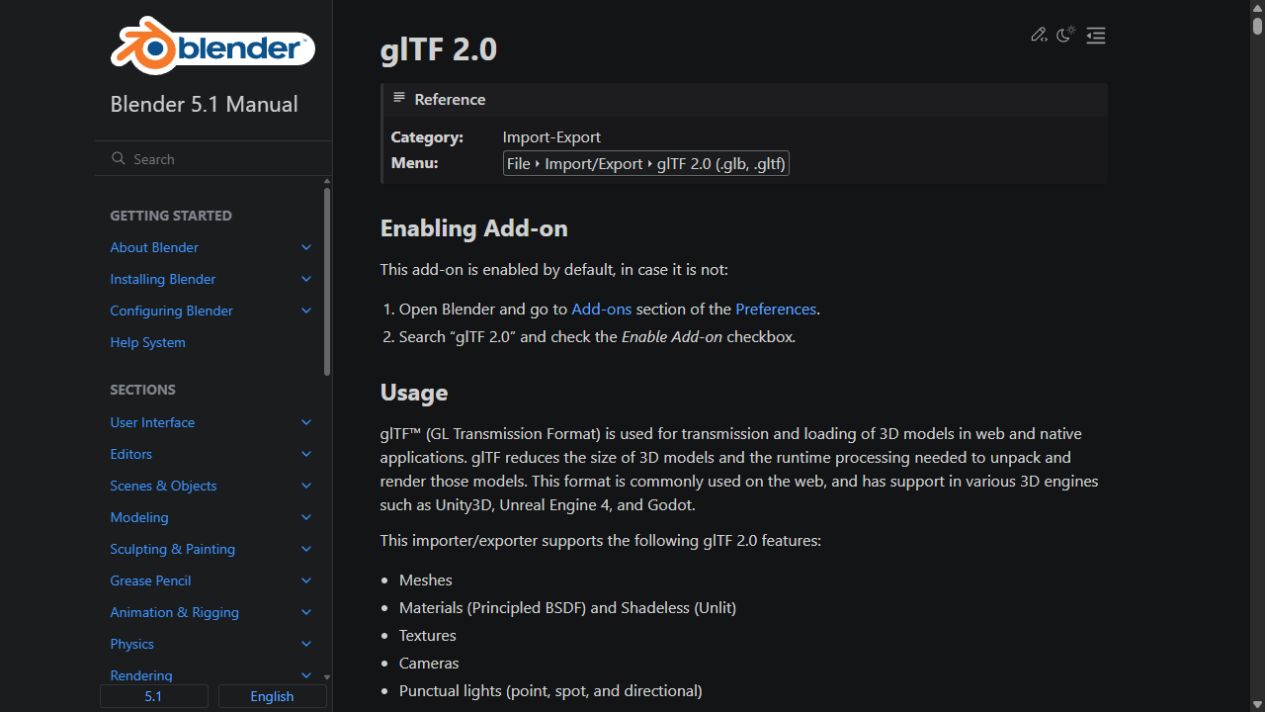

Materials still need checking after import
A format badge is not a guarantee that every shader will look identical in every application. After import, I would check that images are found, the intended material is assigned and the surface appearance is plausible under ordinary lighting.
I also want to check scale and orientation before saving the result. A model that is technically visible can still require corrective setup. For my own product, any necessary setup should be explained instead of left as a surprise.
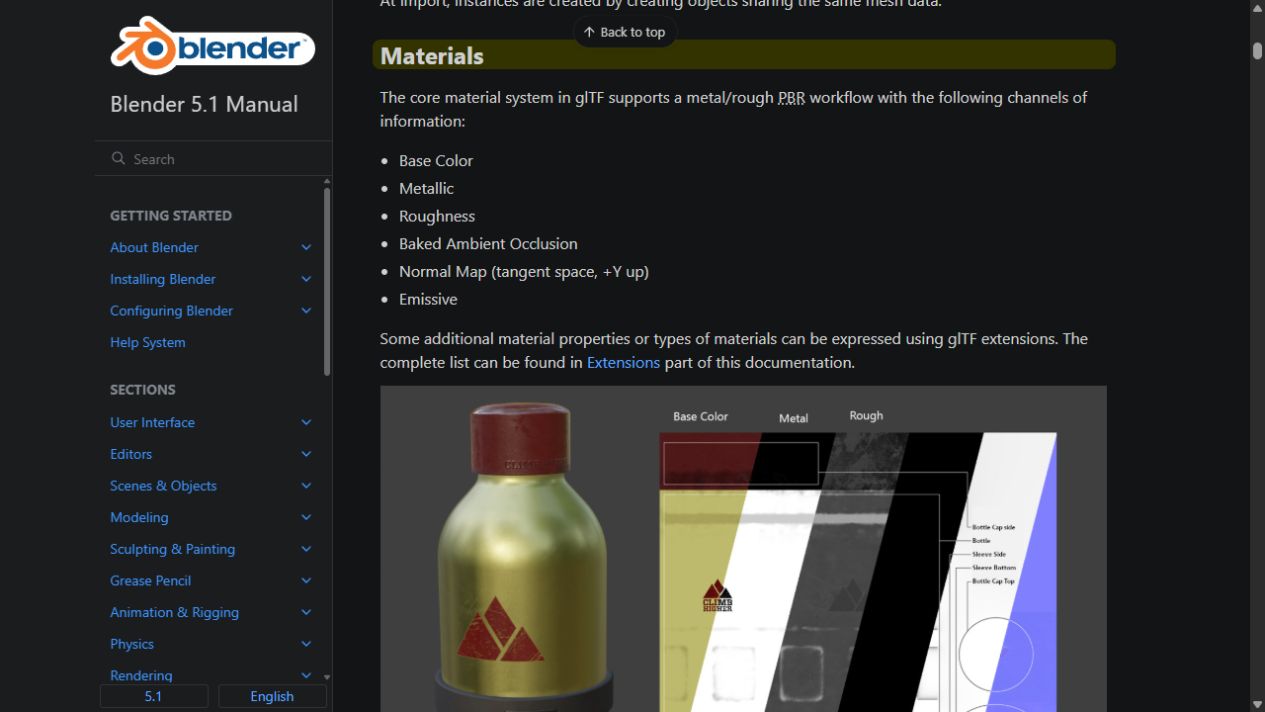
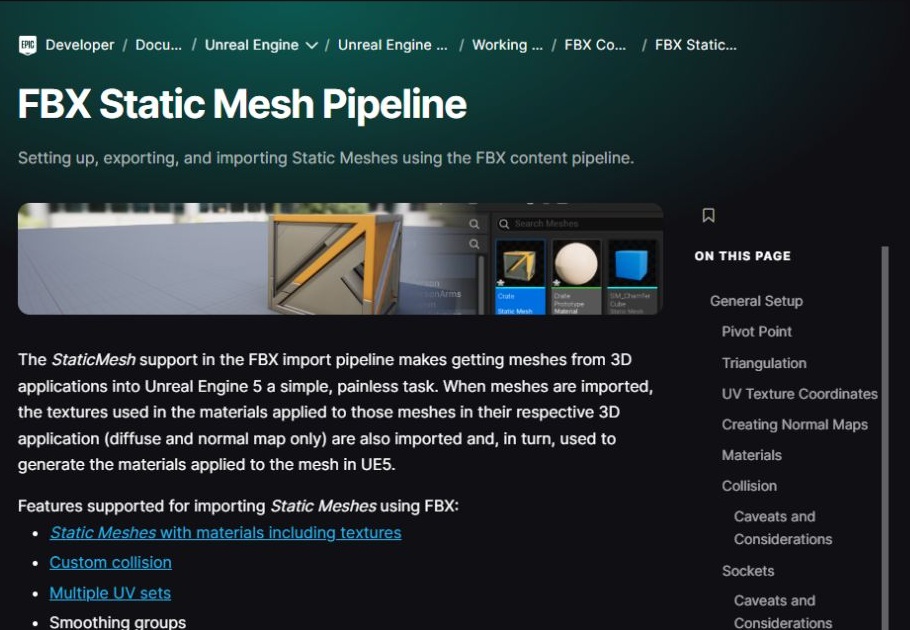
The packaging lesson for my first asset
When I prepare my own release, I want filenames and instructions that answer this same question immediately: which file should the buyer open, and which files need to stay with it?
I will identify the editable source, the exchange formats, the texture folder and any engine project separately. I will also say which formats were actually checked. Multiple download buttons are useful only when the buyer can tell what each one does.
Continue the preparation series
- Registered as a Fab Publisher: What Comes Before the First Asset Sale
- Are Fab Assets Made in Unreal Engine? Separating Modeling from Delivery
- 2D Pixel Art or 3D Models? Choosing the First Fab Asset Workflow
- What Files Do I Need to Sell an Asset on Fab? My Submission Checklist
- FBX, GLB or Blender File? What I Learned from a Fab Download Dialog