AI News
ChatGPT Images 2.6 Adds GIFs and More Precise Editing Controls
Images 2.6 makes animation and repeat edits part of the same image workflow. The useful question is whether a character or product stays consistent after each change.
What OpenAI announced
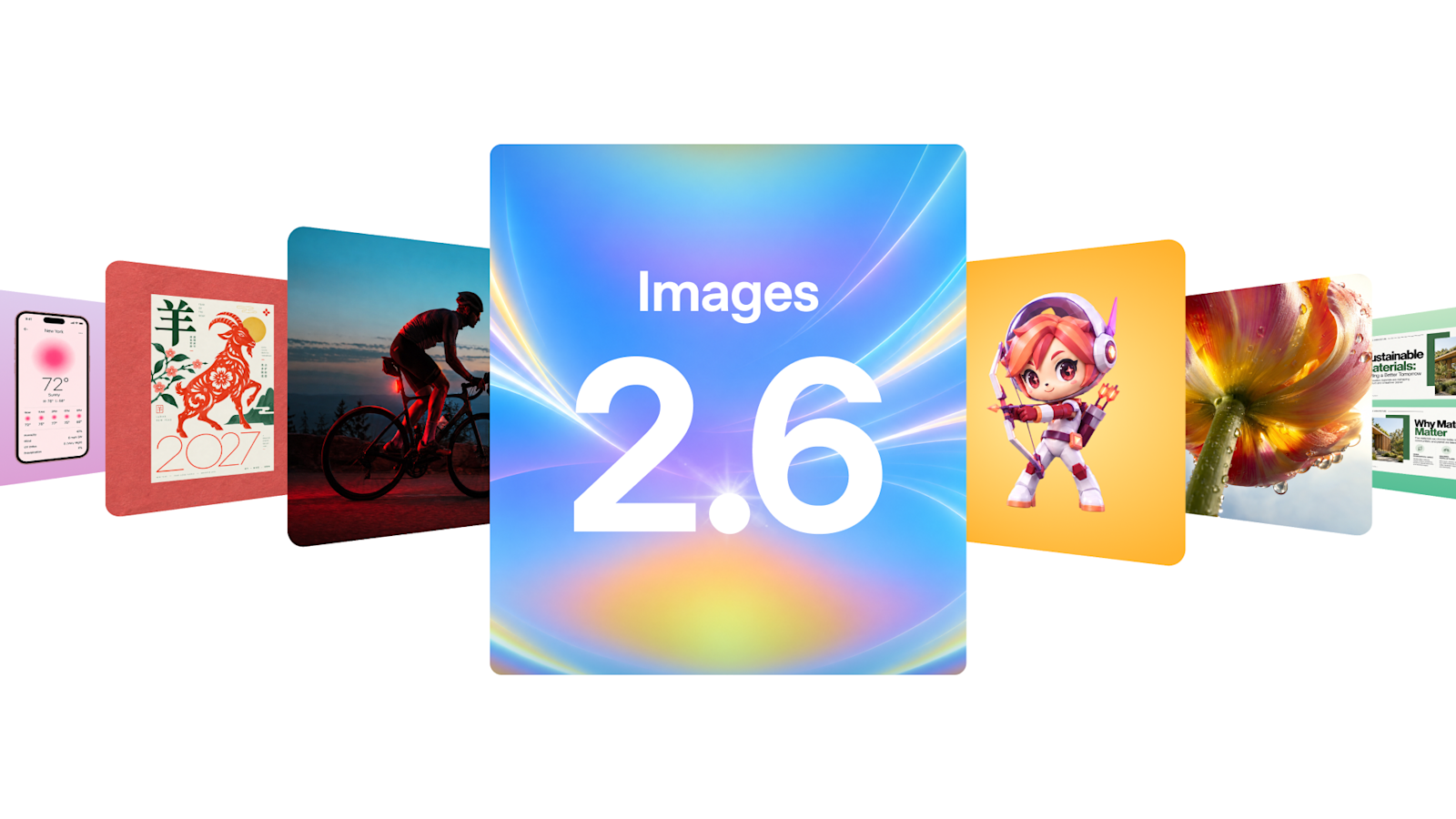
OpenAI released Images 2.6 on November 4 in ChatGPT, Codex and the API. The announcement lists GIF creation, improved editing consistency and two API models: Flare for speed and Sunburst for higher-detail work. OpenAI reports generation up to 50% faster; Flare can produce low-quality output in as little as six seconds. Those are vendor claims, not measurements from this article.
What the controls mean
The API adds photo markup and SVG output. Its complexity setting controls planning, while quality controls visual detail. OpenAI recommends low complexity for most edits, increasing it when a scene has many constraints. The company announced global ChatGPT and Codex availability across subscription tiers; API usage has separate pricing.
Our ChatGPT test: keep the mascot, change the background
On November 15, we generated a parcel-carrying robot in ChatGPT, then requested one controlled edit: replace the light gray background with navy while retaining the face, eyes, antenna, parcel, backpack, pose and framing.
Try our prompts
Initial image: Create a square studio image of a small friendly teal delivery robot holding a cardboard parcel. Give it a white rectangular face, two amber round eyes and one short antenna with a coral sphere. Full body, front three-quarter view, plain light gray background, soft lighting. No text or logos. Keep the design simple enough to compare across later edits.
Edit: Change ONLY the light gray background to deep navy blue. Preserve the exact robot, white face, amber eyes, coral antenna, parcel, backpack, pose, camera angle and framing. Do not add text, change the design or add new objects.
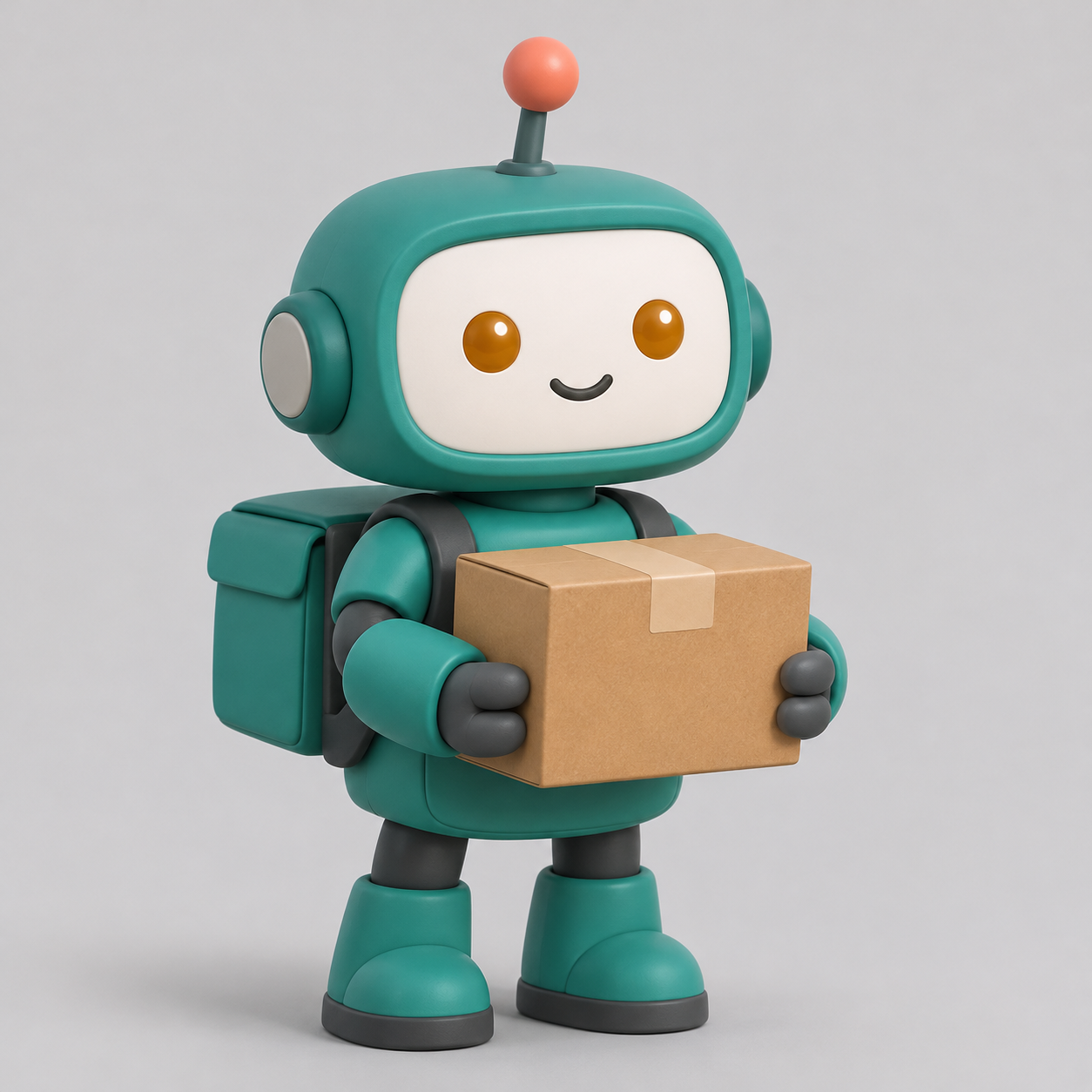
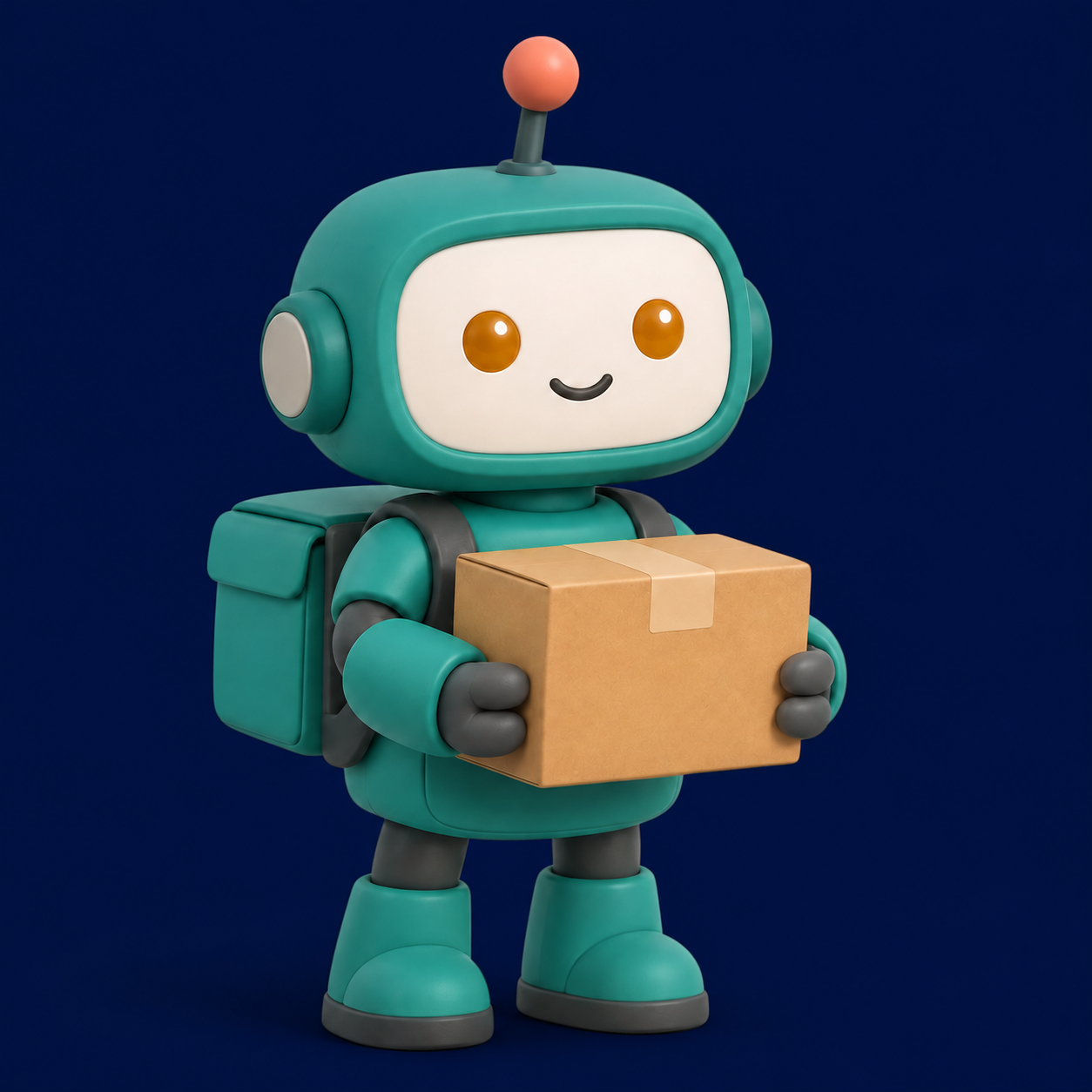
What we observed: the navy background appeared and the recognizable robot design, package and pose were retained. That is a visual inspection of one edit, not proof of pixel-identical preservation or a general consistency score. Small edge and shading changes still deserve review before a brand asset is approved.
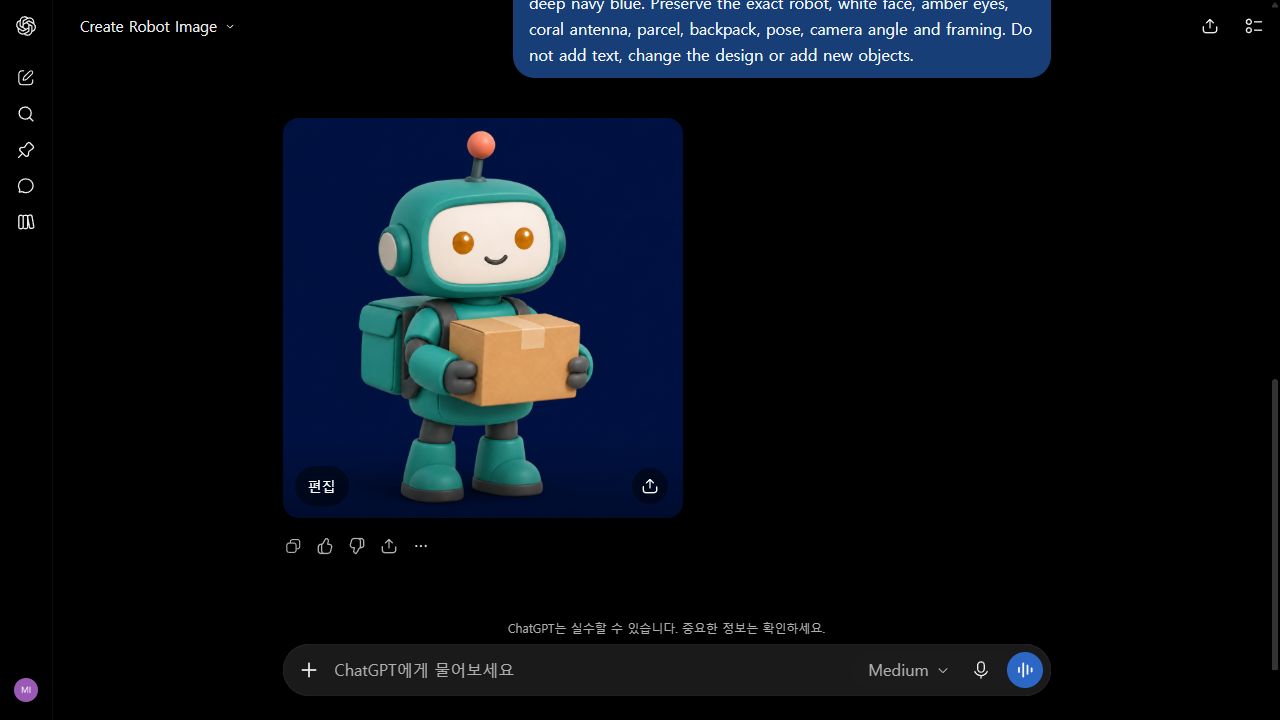
Scope: this was a ChatGPT browser workflow check. The image-model revision was not displayed in the interface, so it does not establish a measured comparison between Flare and Sunburst or verify OpenAI’s speed claim.
Our GIF export: the first file was too large for the page
In the same ChatGPT conversation, we asked for a looping GIF with only an antenna pulse and a slow blink. The first downloadable file was 1,254 × 1,254 pixels and 7,895,212 bytes. We then requested a 480 × 480 web version under 1 MB while preserving the timing and loop.
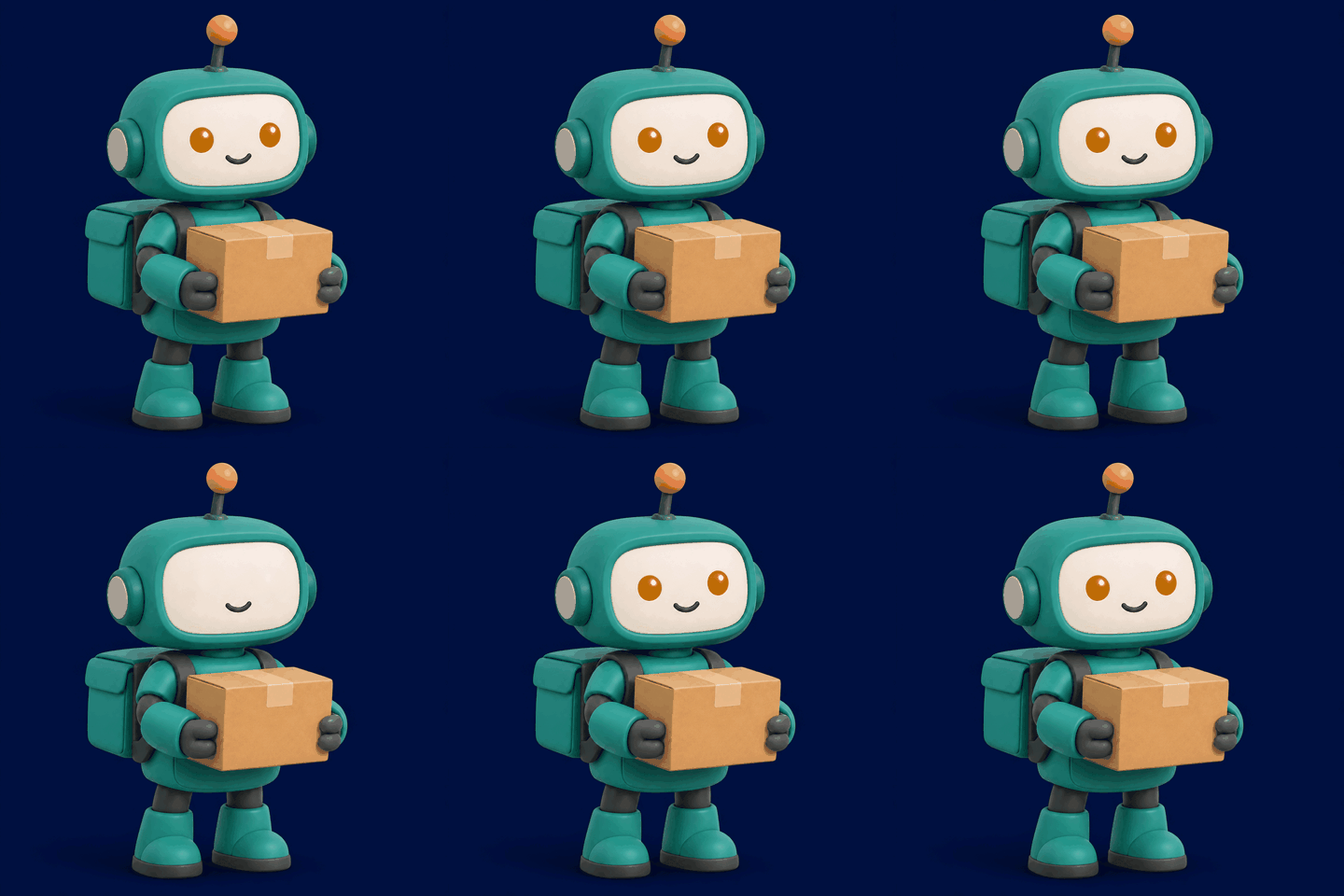
We inspected the downloaded files rather than relying only on the chat’s description. The optimized GIF is 81,893 bytes, about 99% smaller. Both files contain 34 frames, 3.6 seconds of frame timing and an infinite-loop flag. The optimized file has 22 distinct decoded frames, confirming that it is not merely a still image renamed as a GIF.
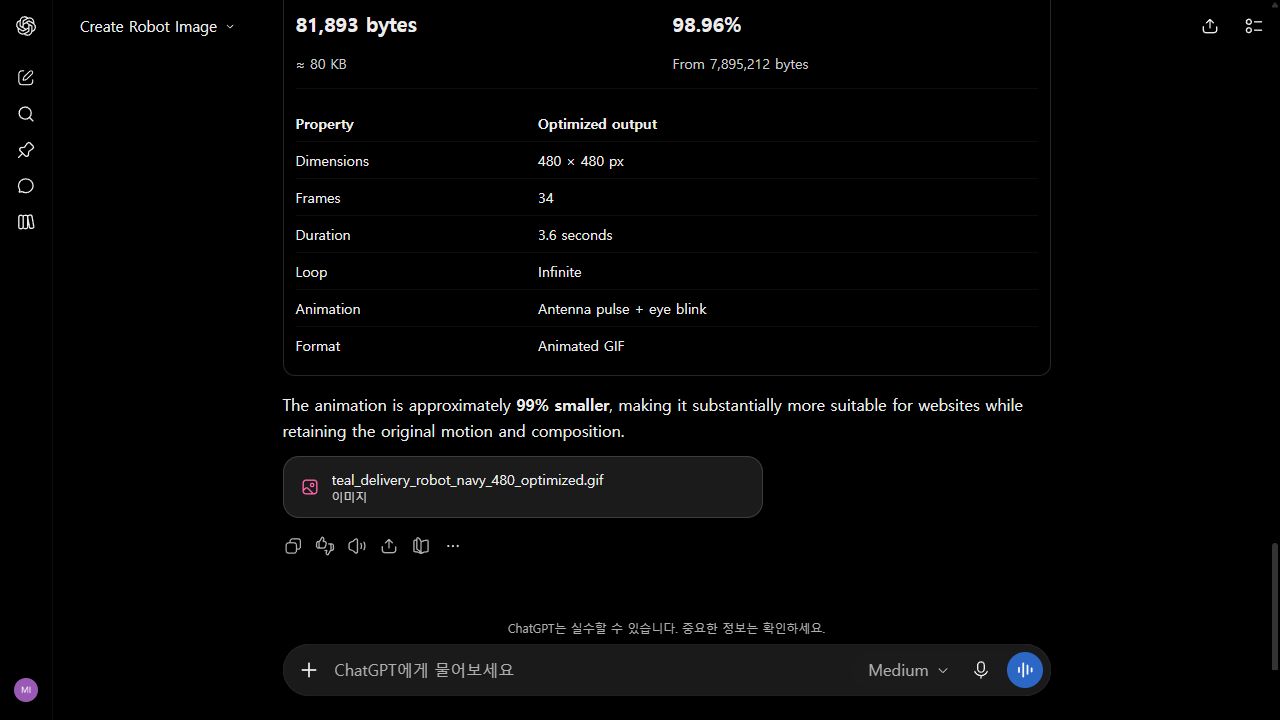
What mattered in practice: ask for the delivery format and size explicitly. A convincing animation can still be much too heavy for a webpage. Our result demonstrates one ChatGPT workflow and one export; it does not measure native image-model GIF quality or establish that every frame preserves the character perfectly.
How to judge the edit before using it on a website
The background request is deliberately narrow. It gives us a way to separate success on the requested change from damage elsewhere. In the two images above, start with the face and antenna, then compare the parcel silhouette, feet and framing. A correct background alone would not rescue a changed mascot. For a real product photograph, repeat that check with packaging text, labels and physical proportions.
| Check | Our observation | What still needs review |
|---|---|---|
| Requested change | The light background became navy. | Inspect the transition around the antenna and body edges at full size. |
| Character identity | The robot remains recognizable in the same pose. | Recognizable is weaker than exact: compare small features before approving a brand asset. |
| Delivery file | The smaller GIF loops and contains multiple decoded frames. | Check its appearance on the intended page; a valid animation file is not a visual-quality score. |
File size and visual quality also answer different questions. Our 480-pixel export is much lighter, but reducing dimensions discards detail. Both exports report 34 frames, while the number of distinct decoded frames changes from 25 to 22. That makes “same frame count” an insufficient promise of identical animation. For this small web illustration the lighter file is useful; for a close-up product demo we would review a larger export before choosing.
A reusable prompt pattern: name the single change, list the features to preserve, specify the final dimensions and format, then inspect the downloaded asset. Keep the original alongside the edit so that review depends on a visible comparison rather than memory.
Read the source: OpenAI · System card and GIF safeguards.
Reviewed November 15, 2026. Discovery credit: JoCoding’s November 8 IT NEWS briefing. This brief independently checks the linked primary source and distinguishes the announcement date from this article’s publication date.