Code Lab
Graphify Explained: Turning a Repository into a Queryable Knowledge Graph
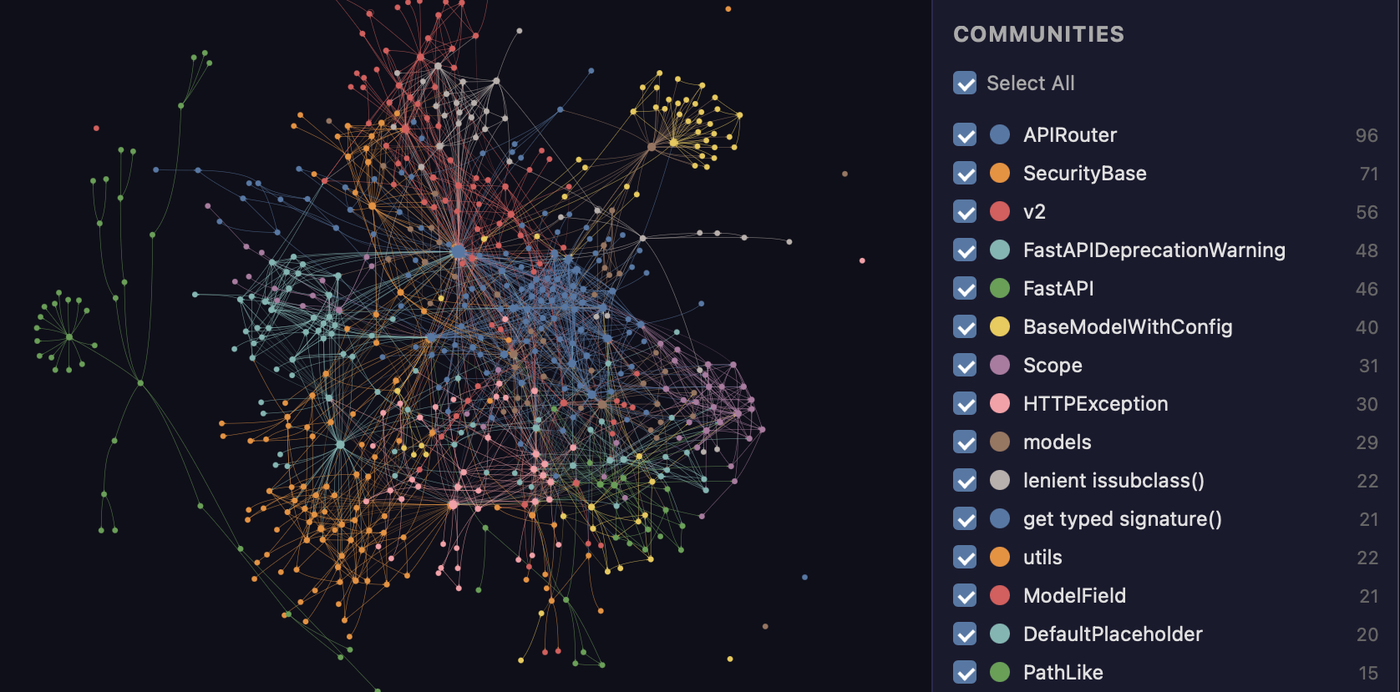
CODE LAB · PROJECT SPOTLIGHT
Graphify Python · Apache-2.0
Explore Graphify’s code knowledge graph, community detection and actual Python source, including graph freshness and interpretation limits.
Project graph illustration: Graphify contributors
A large repository is difficult to understand one file at a time. Graphify builds a graph of project information so an AI coding assistant can ask about relationships and navigate toward relevant parts of the codebase.
The project supports mapping code and other documents into a queryable graph, with integrations for multiple coding assistants. Its documentation covers local workflows as well as hosted services. The graph is a derived representation of your project: nodes and edges help organize evidence, but the original files remain the authority for implementation details.
This source-and-documentation review was checked November 13, 2026. Project-supplied images and reported results are attributed below; no new hands-on benchmark is claimed.
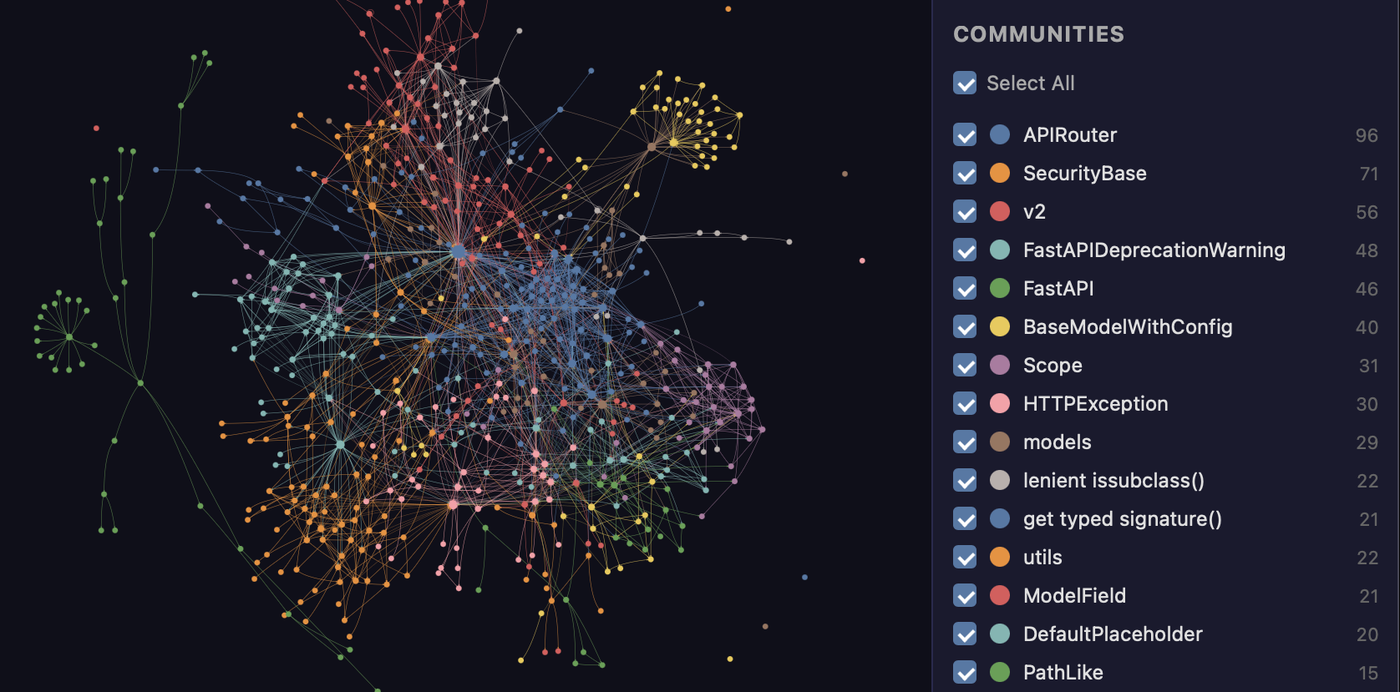
What does Graphify do?
Suppose you need to find everything connected to authentication. A graph can help locate related modules and clusters before you open their source. Follow the returned relationships into the files, confirm the symbols and examine the actual call sites. This is especially useful when a question crosses module boundaries and ordinary filename searches provide too many candidates.
Inside the source: prepare a graph for clustering
The clustering code handles an empty graph, converts directed input to an undirected graph and returns individual node groups when there are no edges. These edge cases make the later clustering operation well-defined. Converting direction is a choice for partitioning; it should not be interpreted as proof that every relationship in the original project is bidirectional.
Source: Graphify-Labs/graphify at 52cb282. License: Apache-2.0. Original lines retained; syntax colors and line numbers added for this article.
Getting started with a bounded task
Follow the installation instructions for the current Graphify package and your chosen agent. Index a small repository first, inspect its generated graph and ask a question whose answer you already know. Record which revision was indexed. After meaningful code changes, update the graph before trusting a relationship query to describe the current implementation.
Limits and what to verify
A graph can be incomplete, stale or contain inferred relationships. Extraction quality varies with language and input type. Check which operations remain local and which use a model or hosted service before processing private material. Token savings and navigation speed reported by a project should be evaluated on your own repository and questions.
Where it fits in your workflow
Graphify offers a map for investigation. Use the map to find evidence, then read the source and verify the behavior. It complements tools such as T3 Code by supplying a structured view of the project an agent is working on.
Related Code Lab: T3 Code and AI coding-agent interfaces. For the source-review format used here, see our Lichii repository walkthrough.
Official references: Repository · README at reviewed revision · Release history · Source excerpt.